
Shared WhatsApp Inbox for Teams
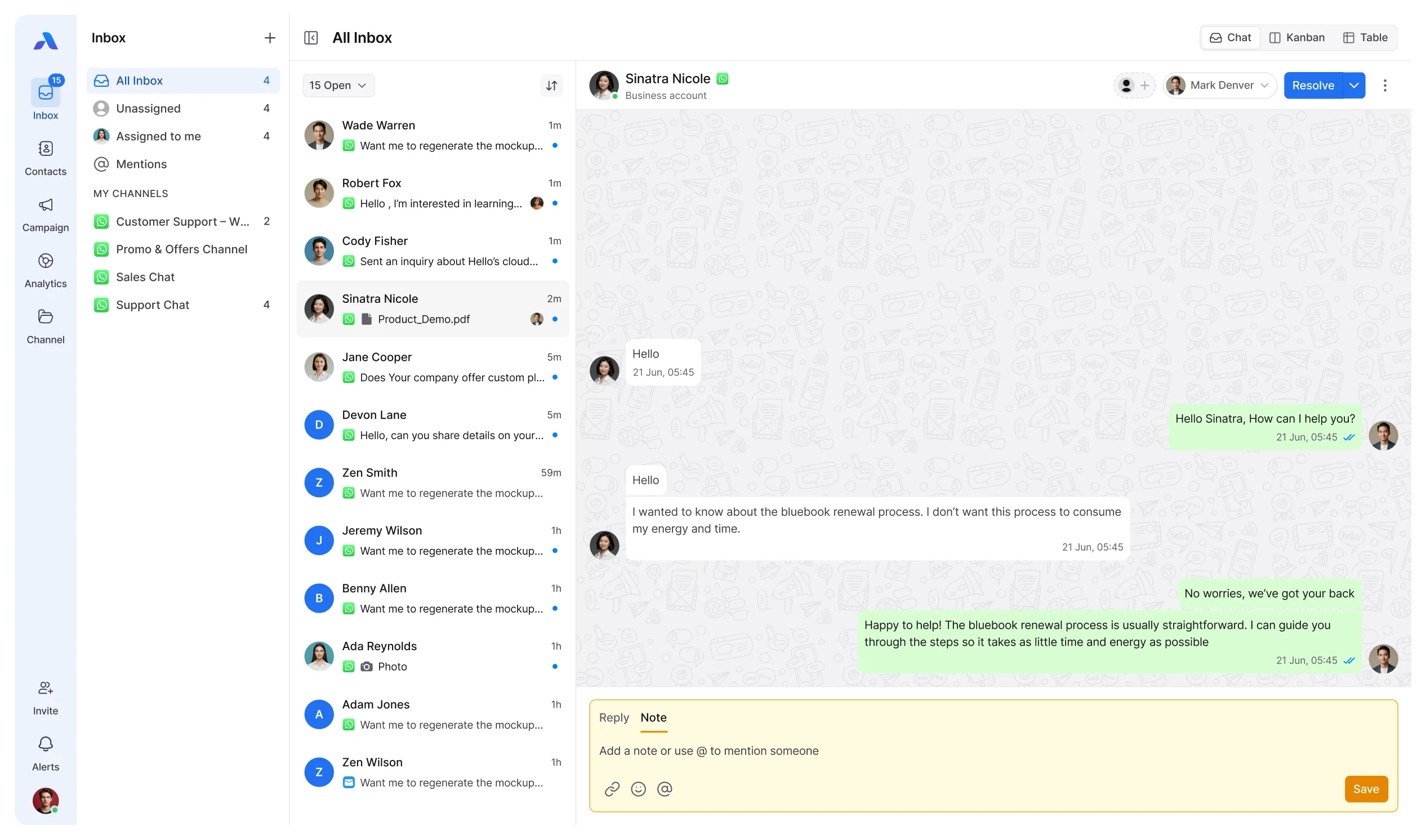
Manage WhatsApp conversations with your team from one shared inbox. Assign conversations, collaborate, and keep every customer message organized.
Connect your existing number. No approval process needed.










Why Teams Need a WhatsApp Team Inbox
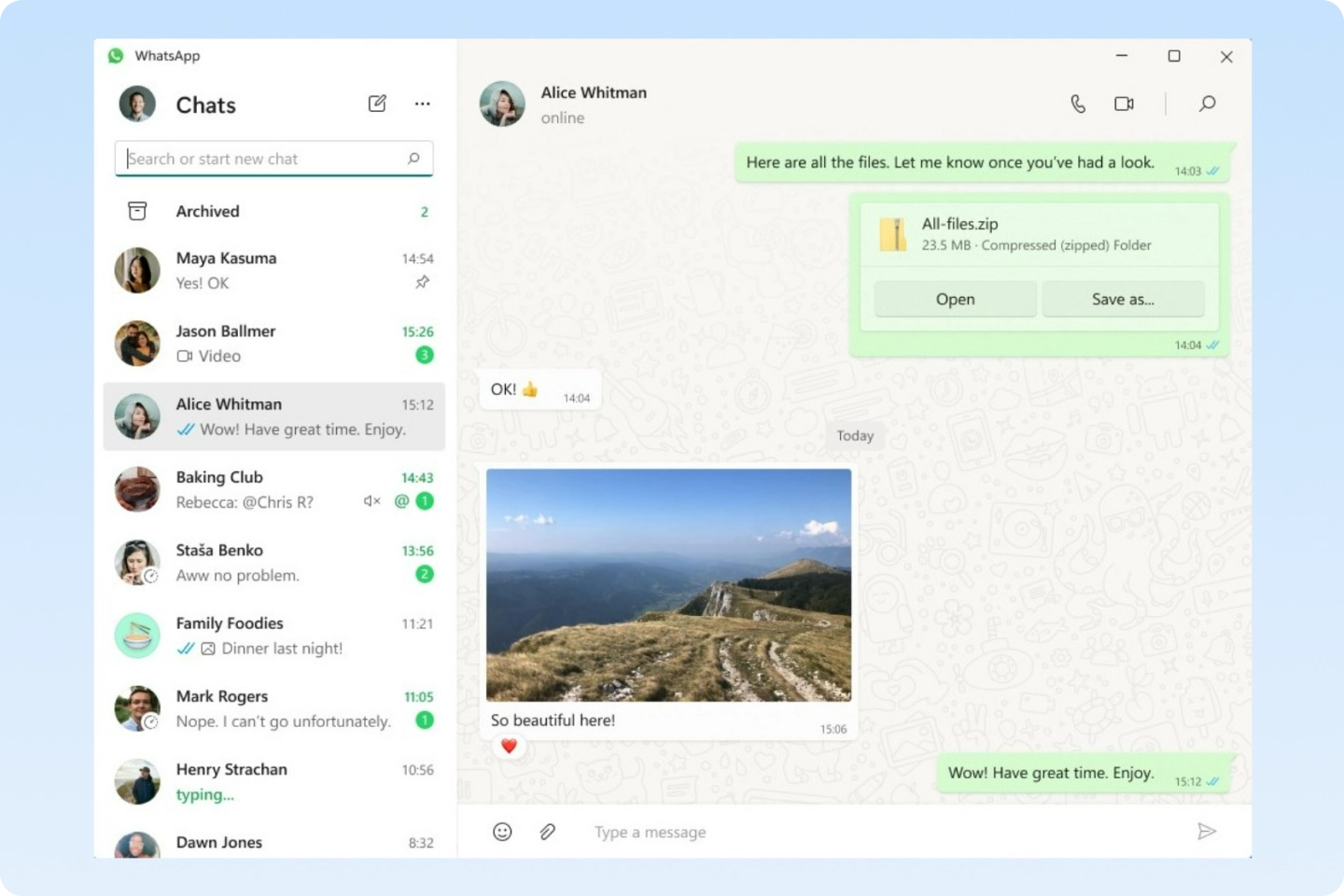
- Conversations live on one person’s phone
- Only one teammate knows the full context
- Managers can’t see what’s happening
- Follow-ups rely on memory, not systems
Using one WhatsApp account across a growing team can create gaps in visibility, ownership, and follow-up.
As Your Team Grows, Everything Breaks
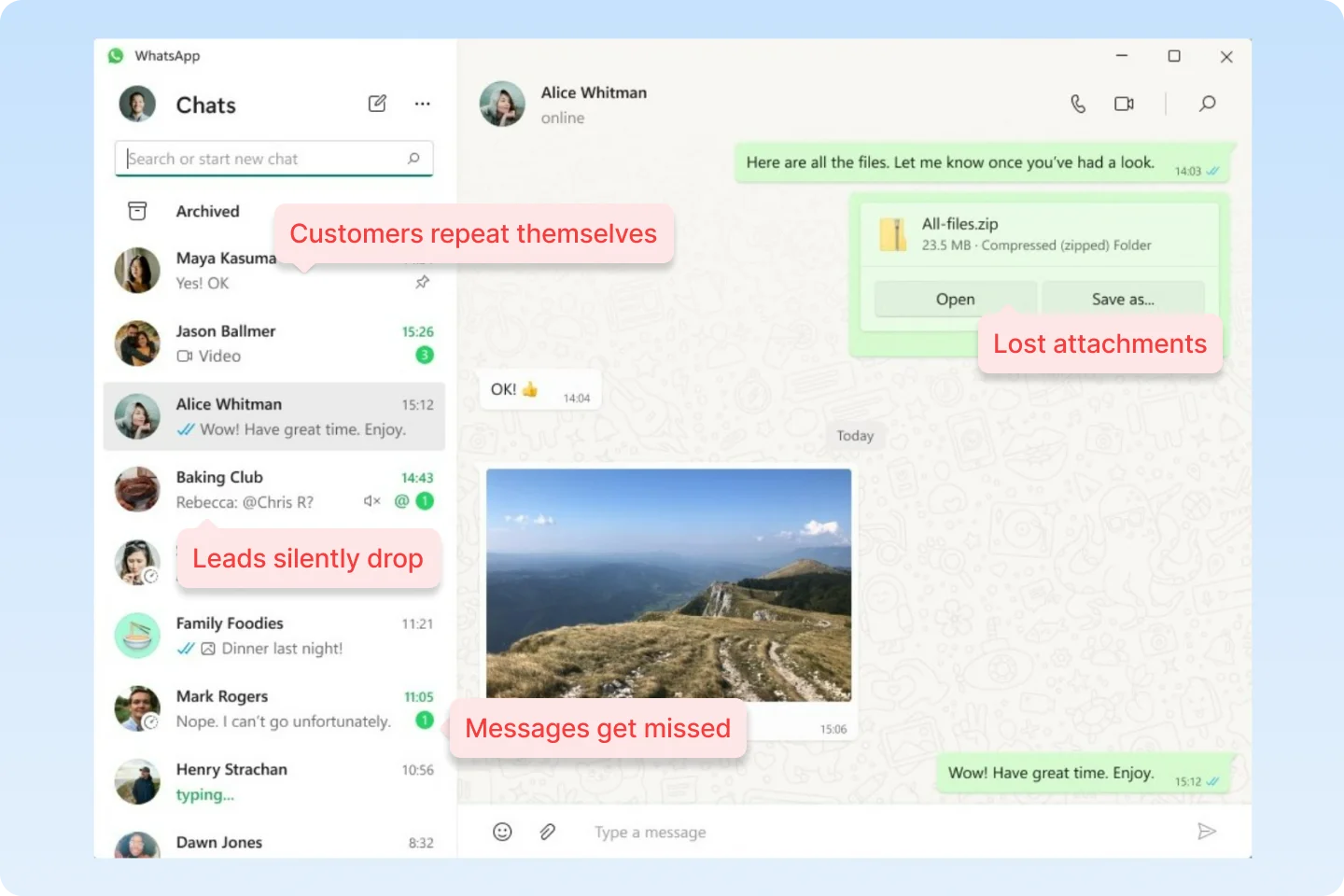
- Messages get missed
- Leads silently drop
- Files and context disappear
- Customers repeat themselves
WhatsApp for business communication stays on one device, creating a bottleneck.
Why Managing WhatsApp Without a Team Inbox Costs You Money
Everything Your Team Needs in a Shared WhatsApp Inbox
Give your team the tools to manage WhatsApp conversations, share context, and keep ownership clear.
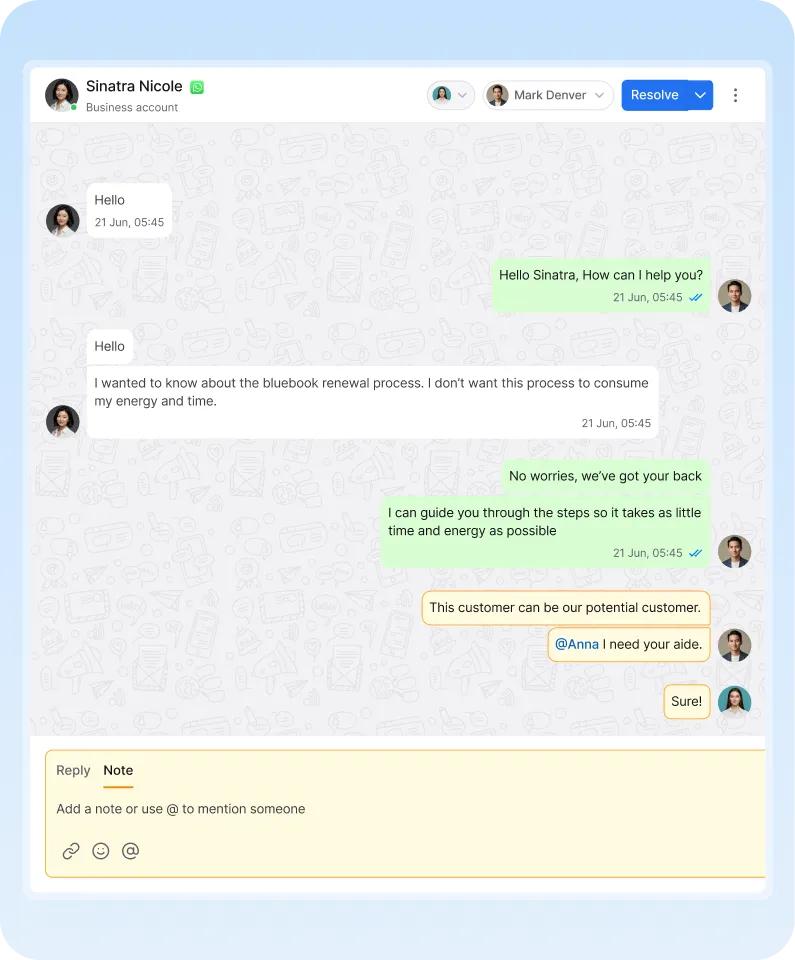

Help Your Team Manage
WhatsApp Conversations Better
How to Set Up Your
Shared WhatsApp Inbox
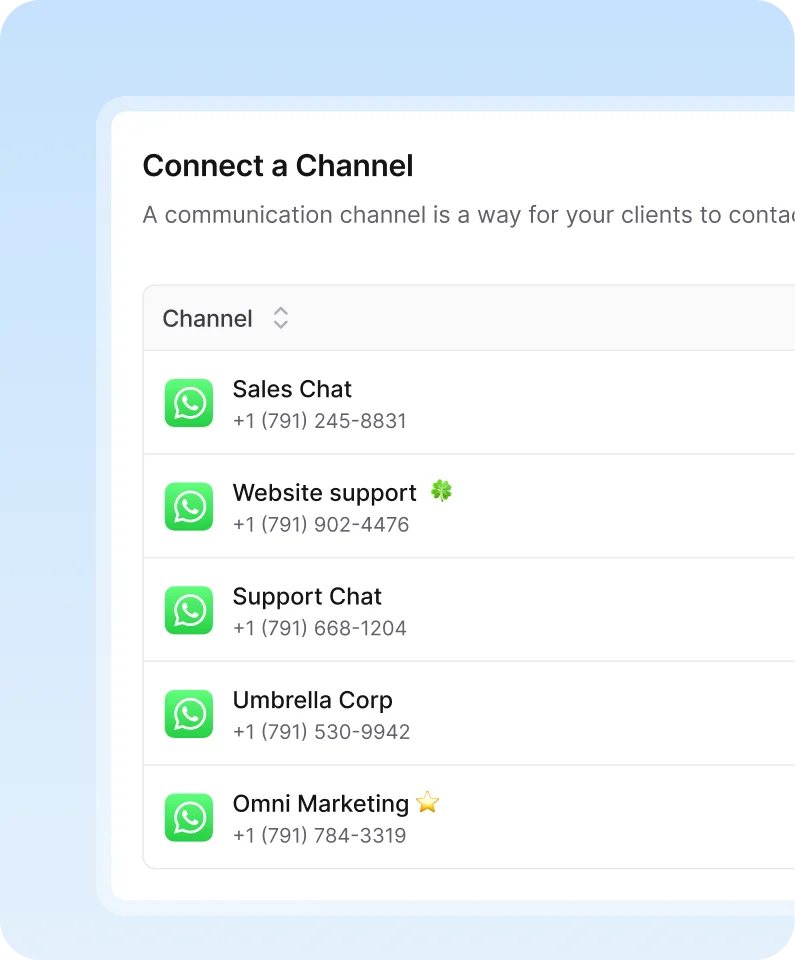
Connect your existing WhatsApp account and bring team collaboration into one shared workspace.
Built for Teams Managing
WhatsApp Conversations


“I was one of the first to adopt the AirChannel AI, and it’s been a game-changer for my business. The seamless integration with multiple communication platforms allowed us to connect with customers like never before. Within weeks, we saw a noticeable improvement in response times and customer satisfaction. Highly recommend it!”


“AirChannel AI has completely transformed how our team communicates with customers. The unified inbox and automation features helped us reduce manual follow-ups and cut our average response time in half. Our clients noticed the difference immediately. It’s become an essential part of our workflow.”


“AirChannel AI has been a breath of fresh air for our small business. We no longer miss messages across platforms, and our team can respond to customers instantly. The improvement in both team coordination and client happiness was noticeable within days. Absolutely worth it.”

Frequently asked questions.
A WhatsApp team inbox lets multiple teammates manage conversations from the same WhatsApp number in one shared workspace.
No. AirChannel AI works with WhatsApp Messenger. There’s no need to switch to WhatsApp Business, apply for APIs, or go through approval processes.
No. Your existing WhatsApp number stays exactly the same. AirChannel AI simply adds a team collaboration layer on top of it.
Yes. Once connected, WhatsApp conversations are visible in a shared team inbox. Teammates can collaborate, assign ownership, and add internal notes without using the same phone.
Yes. Teammates can add private notes to share context without sending those notes to customers.
Yes. All WhatsApp messages are handled securely and encrypted. AirChannel AI does not sell or share your data, and access is controlled by team permissions.
Manage WhatsApp
Conversations as a Team
Bring your WhatsApp conversations into one shared inbox and give your team clear ownership and visibility.