Skip to content
Email Workspace

Team Email Management

Manage customer emails as a team with clear ownership, organized workflows, and better collaboration.

Works with Gmail and IMAP.
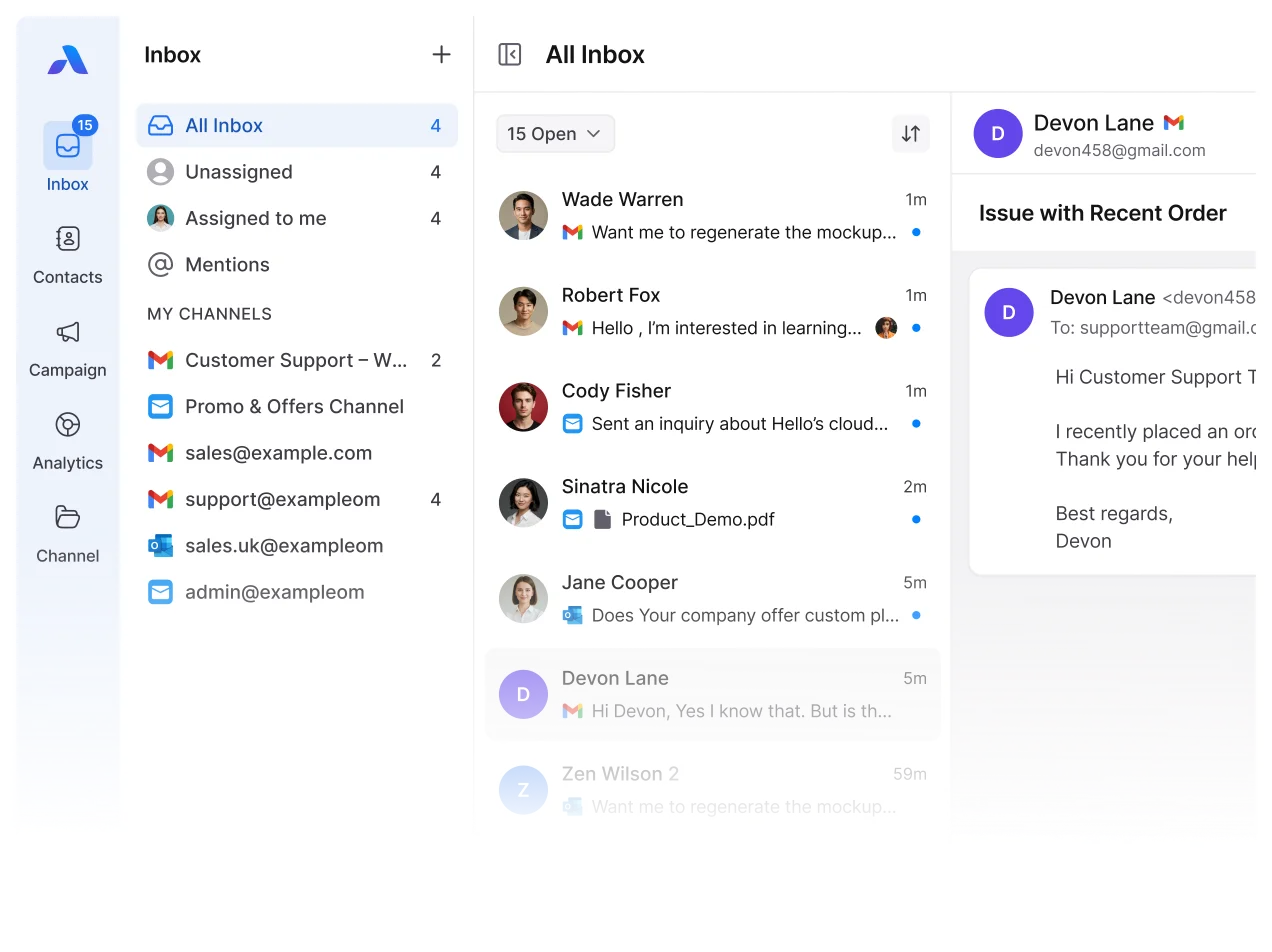
Trusted by fast-growing businesses that want simple, unified communication.

Stop Managing Team Emails from Separate Inboxes

When customer emails stay across separate accounts, teams lose visibility and struggle to keep ownership clear.

Connect Existing Email Accounts

Use the email accounts your team already uses.

Work Together on Emails

Give your team shared visibility into customer conversations.

Keep Ownership Clear

Know who is responsible for each customer email.

Keep Conversation History

See replies and customer context in one organized view.

Transform Personal Email Into a Collaborative Workflow

Bring customer emails into a structured team workflow with clear ownership and collaboration.

Clear Ownership

Assign each email to one responsible team member.

Controlled Replies

Keep ownership visible to help prevent duplicate replies.

Private Internal Notes

Discuss customer emails internally without replying to the customer.

Team Visibility

Give your team visibility into conversations and assignments.

Build a Better Email Workflow for Your Team

Keep customer emails organized with clear ownership, follow-ups, and team collaboration.
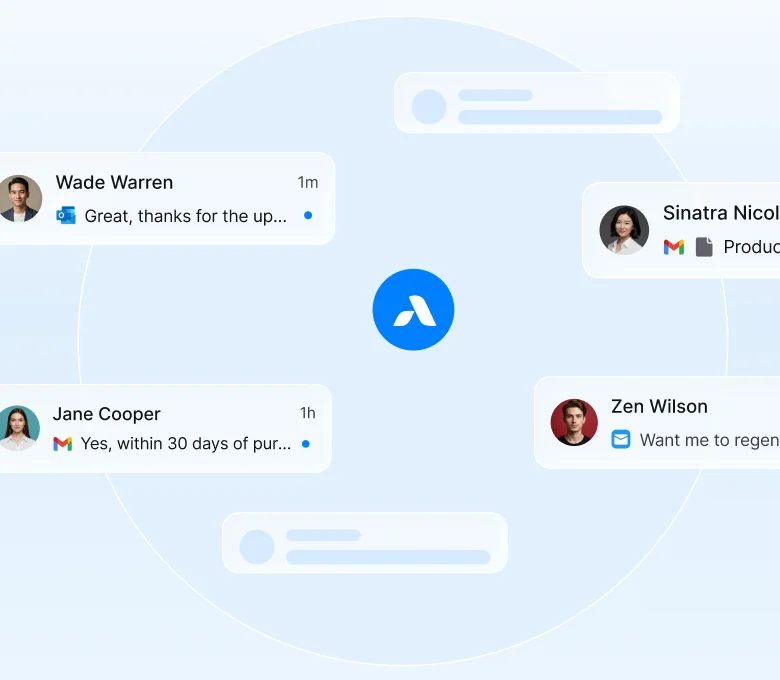
Turn Email Into a Team Workflow

Assign emails to the right team member.

See who replied and when.

Keep customer conversations organized.

Keep attachments and conversation context together.

Email Workspace
for Every Team

Give each team a clearer way to manage customer emails, follow-ups, and collaboration.

  • Sales Teams
  • Support Teams
  • Marketing Teams
  • Operations & Management

Sales Teams

Respond to leads faster

Keep customer inquiries visible so sales reps can follow up.

Keep Lead Ownership Clear

Assign conversations so everyone knows who handles each lead.

Keep Opportunities Visible

Give the team access to the conversation history they need.

Support Teams

Manage Customer Emails

Keep support conversations organized and easy to follow.

Collaborate Without Confusion

Use internal notes to share context without duplicate replies.

Keep Customer Context

Access conversation history when handling customer issues.

Marketing Teams

Manage Responses Easily

Keep inbound customer replies organized.

Organize Conversations

Use tags and filters to keep conversations easier to manage.

Coordinate Follow-Ups

Keep interested customers and inquiries visible to the team.

Operations & Management

Keep Team Email Work Organized

See how customer emails are being handled across the team.

Maintain Clear Ownership

Know who is responsible for each conversation.

Stay Organized as You Grow

Keep email workflows structured as your team handles more conversations.

Why Teams Use AirChannel for Email Management

One Team View

Keep customer emails visible to the right team members.

Clear Accountability

Assign conversations so ownership stays clear.

Better Collaboration

Share context and work together without messy email threads.

Organized Workflows

Keep customer emails structured from assignment to follow-up.

Discover Other Ways to Manage Customer Conversations

Unified Whatsapp Management

Manage WhatsApp conversations across your team.

Lead Management

Organize customer leads and keep follow-ups visible.

Customer Support Desk

Track, assign, and manage customer conversations with your team.

Real-Time Analytics

Monitor team activity and conversation performance.

Manage Customer
Emails as a Team

Bring your team emails into an organized workflow
with clear ownership and better collaboration.

Join Beta Manage Email as a Team
Back To Top