What is a Unified Social Inbox?
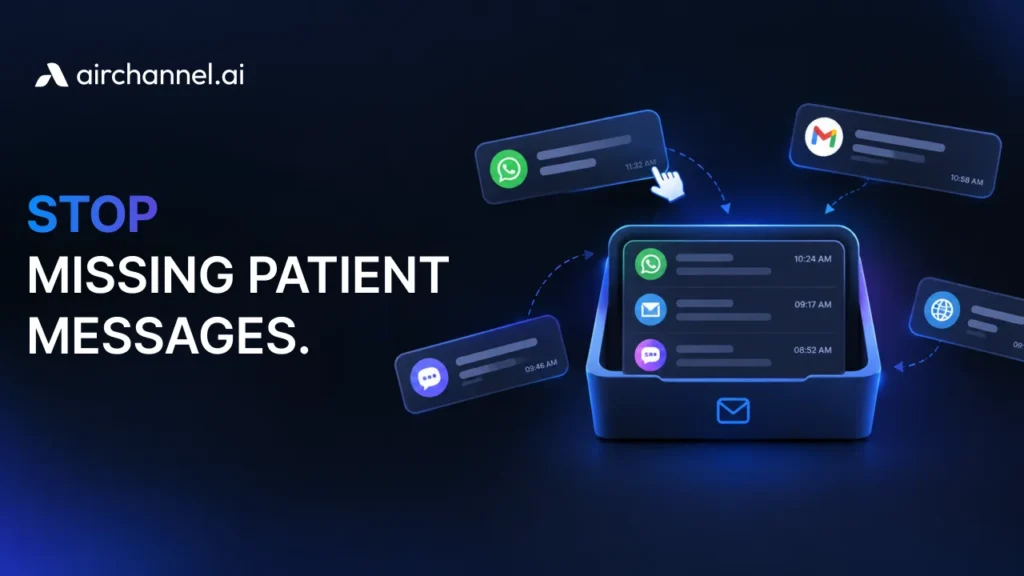
A unified social inbox is a software tool that centralizes messages from WhatsApp, Email, Instagram, and Live Chat into one dashboard. It allows businesses to manage all customer conversations in one place, preventing app fatigue and ensuring no customer message is missed.
You open your laptop. You have 63 WhatsApp messages and 29 emails – all from customers. Two channels. Still overwhelming. And it’s 9:04 AM.
This is App Fatigue. And it’s costing your team hours every single day.
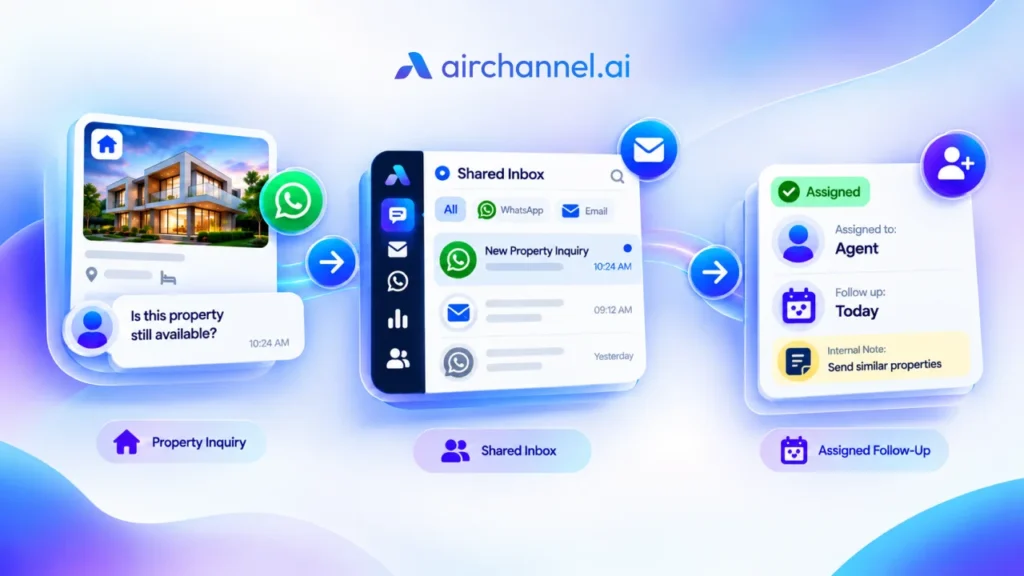
A unified social inbox is the fix. It pulls every customer communication channel into one place. One screen. One workflow.
Every social media manager and support lead knows this pain. A social inbox tool is how you finally streamline workflows and get your mornings back.
No more tab-switching. No more missed messages. No more reactive scrambling.
The Kitchen Counter Problem
Think of your social channels like a messy kitchen counter. WhatsApp is the cutting board. Email is the blender. And soon, Instagram, Facebook, Twitter, and more will crowd in too. They all do different things – but they’re all cluttering the same space.
A unified social inbox is the kitchen island. Everything moves to one central workstation. You prep, respond, and serve from one spot.
Without it, your team is running back and forth between appliances. With it, they cook.
What Exactly Is a Unified Social Inbox?
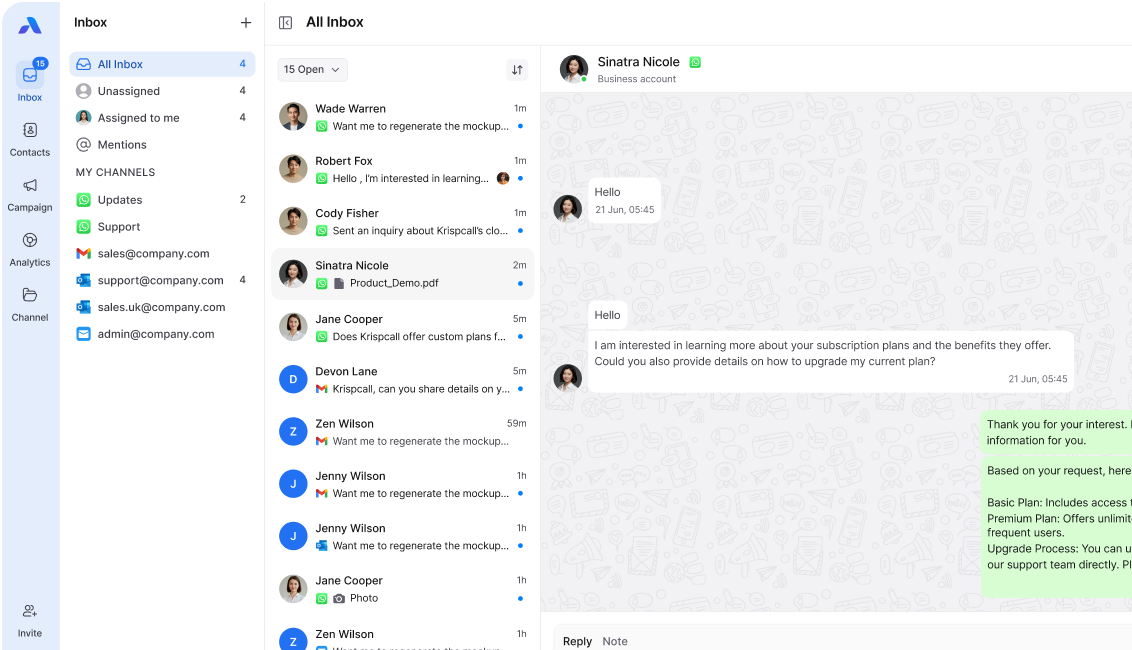
A unified social inbox is a single dashboard that collects messages, comments, mentions, and DMs from all your social media platforms into one organized feed.
Instead of logging into six different apps, your team sees everything in one place. They can reply, assign, tag, and track – without ever switching tabs. The result? Faster responses, fewer missed messages, and better customer experiences from day one.
Here’s what a solid unified inbox connects:
- Messaging apps (live now) – WhatsApp and Email
- Social platforms (coming soon) – Instagram, Facebook, Twitter/X, LinkedIn, and more
- Review sites (coming soon) – Google Business, Trustpilot, App Store
- Real-time analytics (coming soon) – live dashboards and sentiment tracking across all channels
The goal is simple: zero silos, full flow.
Silos vs. Flow: Why Fragmented Tools Fail You
Most teams live in silos. Marketing owns Instagram. Support owns the email. Sales owns LinkedIn. Nobody talks to each other – and customers fall through the cracks.
This is the Silo Trap. One customer sends a WhatsApp message on Monday. They email on Tuesday. And soon they will be tweeting and DMing on Instagram too. Three different team members respond – with three different answers.
Customers feel ignored. Your brand looks broken.
Flow is the opposite. One team, one view, one thread per customer. Everyone sees the full conversation history, no matter which channel it started on. When teams operate from a single inbox, nothing slips through.
A unified social inbox turns silos into flow. This is what omnichannel support actually means in practice – not just being on every channel, but having every channel talk to each other. It connects your customer communication tools so the whole team operates from the same page.
Sync vs. Async: Know the Difference
Not all messages are equal. Some need an answer in 60 seconds. Others can wait.
Sync communication is real-time. Think live chat, phone calls, or a heated Twitter thread. Speed matters. Delays kill trust.
Async communication is time-shifted. Think emails, Facebook comments, or review responses. Quality matters more than speed.
A good unified inbox lets you sort by urgency. Sync messages get flagged. Async ones go into a queue. Your team stops treating a 3-star Google review with the same panic as a live chat meltdown.
| Communication Type | Examples | Priority Level |
| Sync (real-time) | WhatsApp messages | High – respond in minutes |
| Async (time-shifted) | Email threads | Medium – respond in hours |
| Bulk/Broadcast (coming soon) | Social comments, mention spikes | Low – batch and respond |
This simple split saves hours every week. It also gives you clean response time metrics – you can track how fast your team replies to WhatsApp vs. email, separately. No more blended averages hiding where you’re actually slow. See more customer communication examples to understand which type your audience prefers.
The Notification Trap (And How to Escape It)
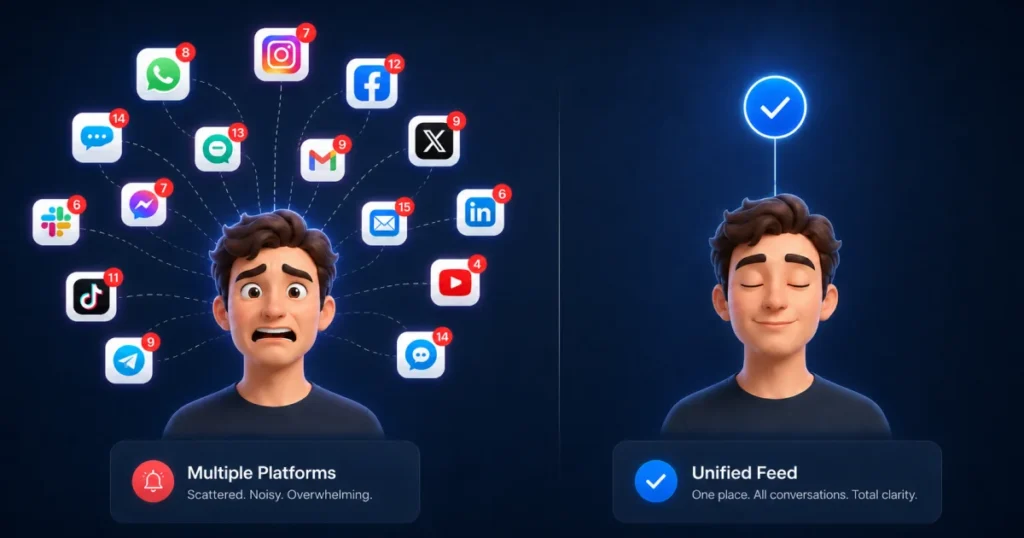
Here’s what happens without a unified inbox: your phone buzzes every 90 seconds. Each buzz pulls you out of deep work. You check it, respond, and try to refocus. By lunchtime, you’ve done zero real work.
This is the Notification Trap. It’s not about being busy. It’s about being reactive – always responding, never planning.
The trap has three stages:
- Stage 1 – Alert Overload: Too many pings from too many apps
- Stage 2 – Context Switching: Brain shifts gears with every new notification
- Stage 3 – Decision Fatigue: By 3 PM, you’re mentally drained from micro-decisions
A unified social inbox tool collapses all notifications into one smart feed. You set rules. You define hours. The tool filters noise so you can focus on signals.
Most inbox tools don’t do this. They push everything, all the time. Airchannel.ai is different – it puts your team in control so customer engagement stays high without burning anyone out.
Gap Analysis: How Airchannel AI Stacks Up
Most social inbox tools were built for marketers, not support teams. They handle scheduling well. But real-time customer engagement – actually responding to questions, complaints, and conversations as they happen? Not so much.
Here’s where the big names fall short – and where Airchannel.ai, as a social inbox tool built for support, fills the gap:
| Feature | Hootsuite | Sprinklr | Airchannel.ai |
| Unified inbox | ✅ | ✅ | ✅ WhatsApp + Email (social channels coming soon) |
| Question Batching | ❌ | ❌ | ✅ |
| Human-in-the-Loop AI | ❌ | Partial | ✅ |
| Notification Stress Controls | ❌ | ❌ | ✅ |
| Sync vs. Async Sorting | ❌ | ❌ | ✅ |
| CRM + CCM Integration | Partial | ✅ | ✅ |
| Built for support teams | ❌ | Partial | ✅ |
What Is Question Batching?
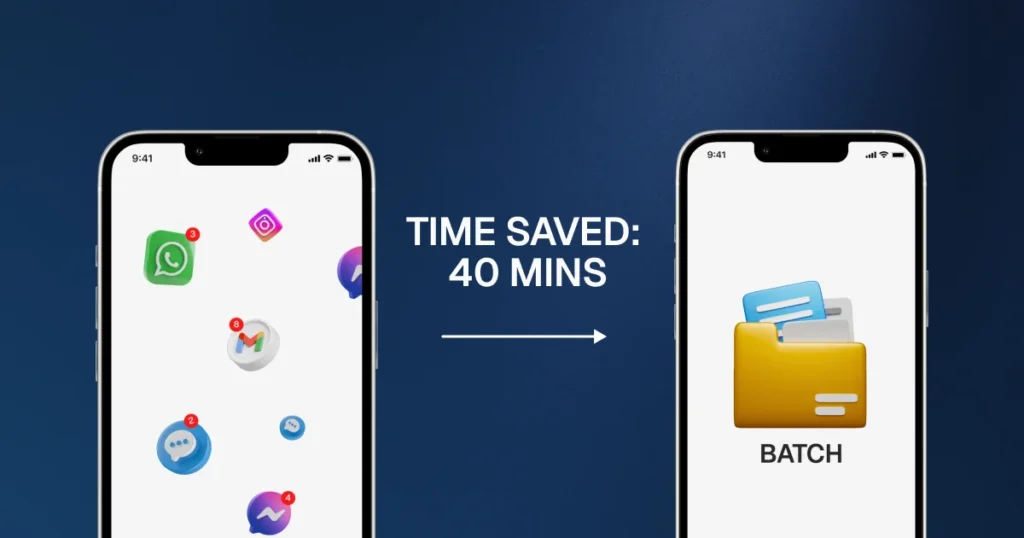
Hootsuite and Sprinklr show you every message one by one. You answer, move on, answer, move on. It feels efficient. It isn’t.
Question Batching groups similar questions together. Ten customers asking “Where’s my order?” get handled as a batch – one smart response template, deployed fast. You save 40 minutes. Your customers get faster replies.
What Is Human-in-the-Loop AI?
Most AI tools in social inbox platforms are auto-responders. They fire back a canned message and move on. If the AI gets it wrong, the customer gets frustrated. There’s no human checkpoint.
Human-in-the-Loop AI is different. The AI drafts the response. A human reviews it. The human approves or edits. Then it sends.
Speed of AI. Judgment of a human. Best of both.
What Are Notification Stress Controls?
Sprinklr and Hootsuite push every alert to every team member. There’s no concept of quiet hours, priority filters, or message routing based on expertise.
Airchannel AI lets you set rules. Only route urgent Sync messages after 6 PM. Mute low-priority async threads during peak hours. Assign review responses to your content team, not your support team.
Less noise. Less stress. Better work. Learn more about how to communicate with your customers without burning out your team.
The 10-Minute Morning Routine
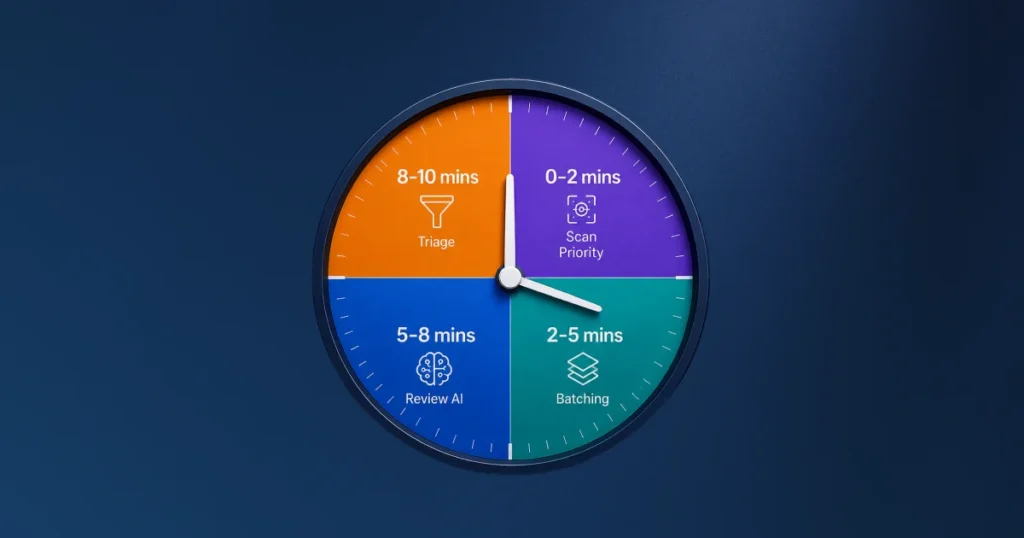
Here’s what your morning looks like with Airchannel.ai – not juggling WhatsApp and email in separate tabs, but in one clean view.
The routine takes exactly 10 minutes:
- Minutes 1–2 – Scan the Priority Feed: See all urgent Sync messages flagged overnight. Assign them to the right team member.
- Minutes 3–5 – Run Question Batching: Group repeated questions from the last 24 hours. Deploy batch responses to the top 3 clusters.
- Minutes 6–8 – Review AI Drafts: Approve or tweak AI-generated replies for async messages. No manual typing required.
- Minutes 9–10 – Tag and Triage: Label unresolved threads. Flag anything that needs a follow-up before the end of the day. (Real-time analytics, social listening, and sentiment tracking are on the roadmap – coming soon.)
That’s it. Your whole inbox, handled. Your team starts the day proactive – not reactive.
This is how you streamline workflows without hiring more people. This is what improving customer experience actually looks like in practice – faster replies, fewer gaps, happier customers.
No more Notification Traps. No more Silo Pain. No more App Fatigue.
CCM vs. CRM: Why Both Matter
Most teams rely only on CRM tools – Salesforce, HubSpot, Zoho. CRM tracks deals, contacts, and pipelines. It answers: Who is this customer?
But CCM (Customer Communication Management) answers a different question: How are we talking to this customer, right now, on every channel?
CRM without CCM is like knowing someone’s name but forgetting every conversation you’ve had with them. You have data without context.
Airchannel AI bridges the gap. It connects your CCM and CRM, so every reply is informed by full customer history – not just what channel they used today.
Who Needs a Unified Social Inbox?
Not every team needs every feature. But if any of these sound familiar, it’s time to switch:
- Your team uses 4+ inbox tools to manage customer messages across social media and email
- Customers feel they get different answers on different channels
- You’ve missed a DM, comment, or review in the last 30 days
- Your response time varies wildly depending on which channel the customer used
- You can’t report on total message volume across all channels
- Your teams operate in silos with no shared view of conversations
If two or more of these hit home, App Fatigue is already costing you.
Stop Being Reactive. Start Being Proactive.
Reactive support puts you behind. You’re always catching up, always apologizing, always one step slow.
Proactive support puts you ahead. You spot patterns before they become problems. You respond before customers escalate. You build trust instead of repairing it.
The result is better customer experiences across every channel – and stronger customer engagement that actually drives loyalty.
The shift from reactive to proactive starts with one move: consolidating your inbox with the right social inbox tool.
Airchannel AI is built for teams that want to lead, not chase.
🚀 Ready to Try It?
Stop juggling apps. Stop missing messages. Stop burning out your team.
Request a Demo at Airchannel AI
Move from reactive to proactive in one morning. Your customers – and your team – will feel the difference by lunch.