Patient messages come in from a lot of places now. A patient might text about a prescription, email about a bill, or message through the portal about a referral. All of that can happen in the same week. When messages spread across that many channels, it’s easy for one to slip through.
Receiving a message is not the same as owning it. A message can sit in an inbox nobody checks that day. It can get answered once and then forgotten. It can get picked up by two staff members who each think the other one has it.
A reliable workflow fixes this. This article walks through a five-step process: Capture, Classify, Assign, Respond, and Follow Up. Together, these steps give every patient message a clear path from the moment it arrives to the moment it’s actually resolved, instead of getting lost somewhere in between.
Quick Answer
Clinics stop missing patient messages by using a consistent workflow instead of relying on memory. Capture every message, classify it, assign one clear owner, respond with the right next step, and follow up until the issue is resolved, not just acknowledged. That turns scattered messages into a process where every conversation has someone responsible for it.
Why Clinics Miss Patient Messages
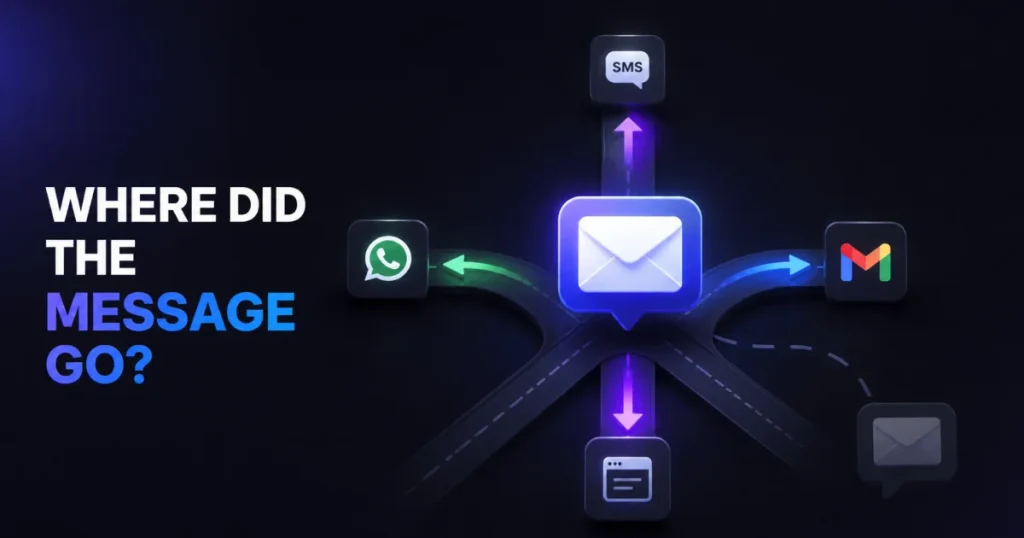
Clinics miss patient messages because ownership is unclear, not because staff isn’t trying. A message can be received by a clinic without anyone actually owning it. Access to an inbox is not the same as responsibility for what’s inside it, and that gap is where messages get lost.
A few specific patterns cause most of it:
- Unmonitored inboxes. A channel exists (a fax line, an old email address, a rarely checked portal folder), but no one has a standing job of checking it.
- No clear ownership. A message lands in an inbox, and everyone assumes someone else will handle it.
- Wrong routing. A billing question reaches a clinician, or a clinical question reaches someone who can’t answer it. It sits until it finds the right person.
- Handoffs without context. A staff member goes off shift, and the next person has no record of what was already said or promised.
- Duplicate replies. Two staff members see the same message, and both respond, sometimes with different answers.
- Forgotten follow-ups. Someone replies once, the conversation looks closed, and the actual task behind it never gets finished.
- Too many channels. Phone, email, SMS, patient portal, and other channels all carry separate threads, with no shared view across them.
None of this points to careless staff. Research from the American Academy of Family Physicians on primary care physicians found that managing an electronic inbox often spills into personal time, with some physicians reviewing messages after their kids go to bed. Message volume has also been linked to both patient satisfaction and physician burnout, according to research reported by the American Medical Association. The real problem is usually too many messages arriving through too many channels, with no shared process for tracking them, and that’s exactly what causes messages to get missed.
The 5-Step Workflow for Managing Patient Messages
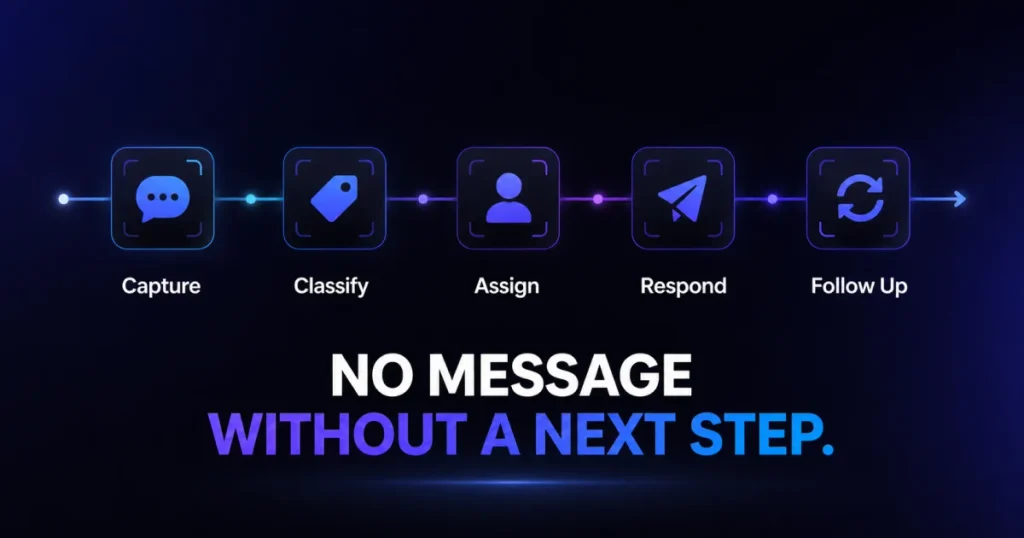
A message needs to move through five stages before it’s truly finished: Capture, Classify, Assign, Respond, and Follow Up. Each step closes off a specific way a message can get missed. Skip any one of them, and that’s usually where the message falls through.
1. Capture: Stop Messages From Disappearing Across Channels
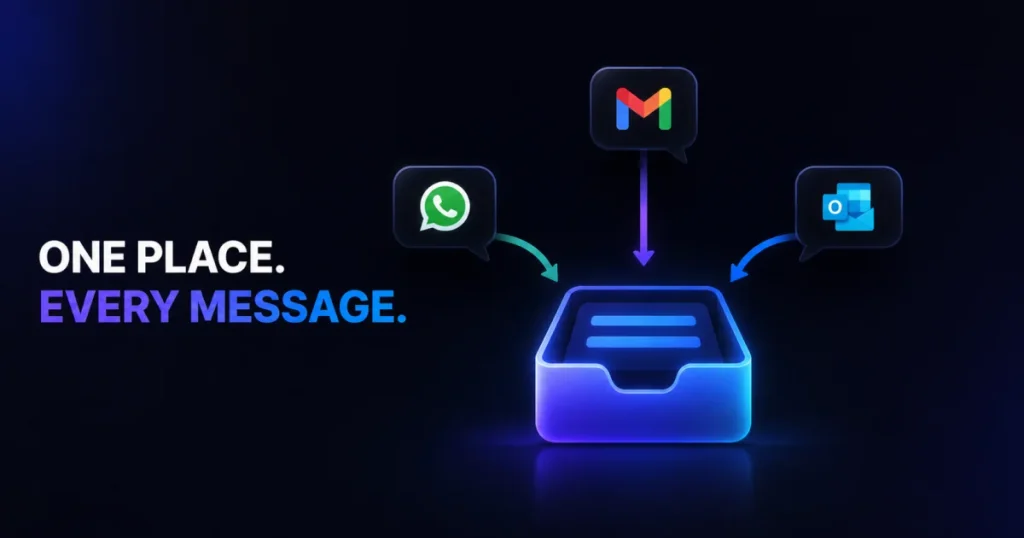
Capture means every message lands somewhere a staff member is actually responsible for checking. This is what prevents a message from quietly sitting in a channel nobody’s watching. It doesn’t require using one platform for every channel, but it does require knowing, for each channel your clinic uses, exactly who monitors it and how often.
Start by listing every channel patients currently use to reach your clinic. For each one, answer two questions: who checks it, and what happens if a message sits unanswered for a day. If you can’t answer both questions for a channel, that channel is a likely source of missed messages.
2. Classify: Stop Messages From Going to the Wrong Person
Once a message is captured, the next step is figuring out what kind of request it is. This is what keeps a message from landing with someone who can’t act on it and sitting there until it’s noticed.
| Message type | Example | Typical owner |
| Scheduling | “Can I move my appointment to Friday?” | Front desk |
| Billing | “Why was I charged twice for my visit?” | Billing staff |
| Records | “I need a copy of my visit summary.” | Medical records or admin staff |
| Referral | “Has my referral been sent yet?” | Referral coordinator |
| Medication-related | “Can you refill my prescription?” | Clinical staff or nurse |
| Clinical concern | “My symptoms are getting worse.” | Clinical staff, per your practice’s escalation policy |
These categories are a starting point, not a fixed rule. Each clinic should define its own routing and escalation steps based on its staffing and its clinical team’s judgment. Non-clinical staff routing messages by type, rather than reviewing every message individually, is a documented strategy for reducing inbox burden, according to the AAFP. This article describes a way to sort messages for daily operations, not a clinical triage protocol, and decisions about what counts as urgent belong to your clinical staff.
3. Assign: Stop Messages From Having No Owner
A classified message still needs an owner. This is the step that stops a message from sitting with no one actually responsible for it, even after everyone has technically seen it. Received is not the same as assigned.
The rule is simple: one conversation, one visible owner, at all times. That owner might change as the message moves, from front desk to billing, for example. But at no point should a conversation sit with no one currently responsible for it. Reassignment and escalation should be visible actions, not silent ones, so anyone checking can see who currently has a given conversation.
4. Respond: Stop Patients From Being Left Without a Next Step
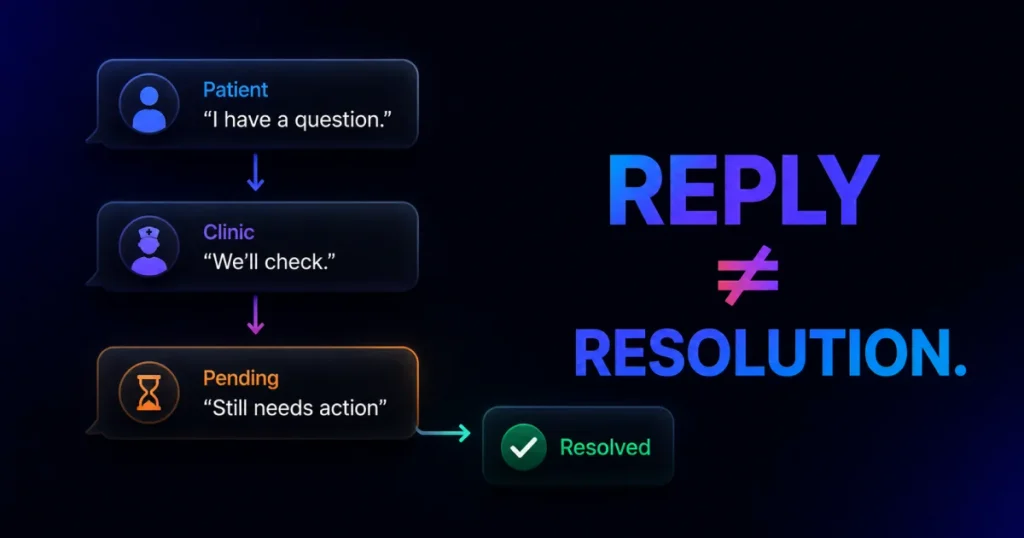
Responding is not the same as resolving, but it’s the step that keeps a patient from being left hanging entirely. A response might fully answer the patient’s question. It might also just acknowledge receipt, ask a clarifying question, route the message to someone else, or explain what happens next.
A reply can make a conversation look finished when the underlying task isn’t done yet. “I’ll check on that and get back to you” is a valid response, but it’s not a resolution. There’s no universal response-time standard that fits every clinic. That’s a policy each practice should set based on its own patient volume and staffing.
5. Follow Up: Stop Requests From Being Forgotten Mid-Task
This is the step most workflows skip, and it’s the one that stops a partly finished request from quietly getting dropped. A reply doesn’t close a conversation. Only an actual resolution does, and someone needs to own the gap between the two.
A simple status system makes this visible:
Open → Assigned → Waiting → Follow-up needed → Resolved
A message stays in “waiting” or “follow-up needed” until the task behind it is actually done, not just acknowledged. The owner from Step 3 keeps that responsibility until the status reaches “resolved.”
A short example. A patient texts on Tuesday asking whether she needs to fast before Thursday’s blood draw. The message is captured in the channel the clinic monitors. It’s classified as a clinical question and assigned to a nurse. The nurse responds the same day with the fasting instructions. Because the answer fully resolves the patient’s question, the conversation moves straight to “resolved.” No further follow-up is needed.
Compare that to a version without this process. The message sits in an inbox nobody’s assigned to. It gets answered two days later by whoever happens to notice it. By then, the patient has already shown up Thursday having eaten breakfast anyway, a small miss that traces back to a single skipped step.
How to Prioritize Patient Messages
Prioritization is different from classification. Classification tells you what kind of message it is. Prioritization tells you which message in your queue gets handled first, when you have more open conversations than time. Without it, the oldest or most urgent messages in the queue are usually the ones most likely to get missed.
A few practical factors to weigh, in rough order:
- Anything requiring clinical review, per your practice’s own escalation rules, comes first.
- How long a message has been waiting. A question sitting unanswered for two days should usually outrank a fresh one, all else being equal.
- Time sensitivity, like a scheduling change for an appointment happening today.
- Who it’s assigned to, so no single staff member ends up quietly overloaded while others have room.
Clinics should set their own operational and clinical escalation rules instead of using a one-size-fits-all formula. What counts as urgent enough to jump the queue is a decision your team makes. A generic workflow can’t make that call for you.
How to Prevent Missed Messages During Handoffs
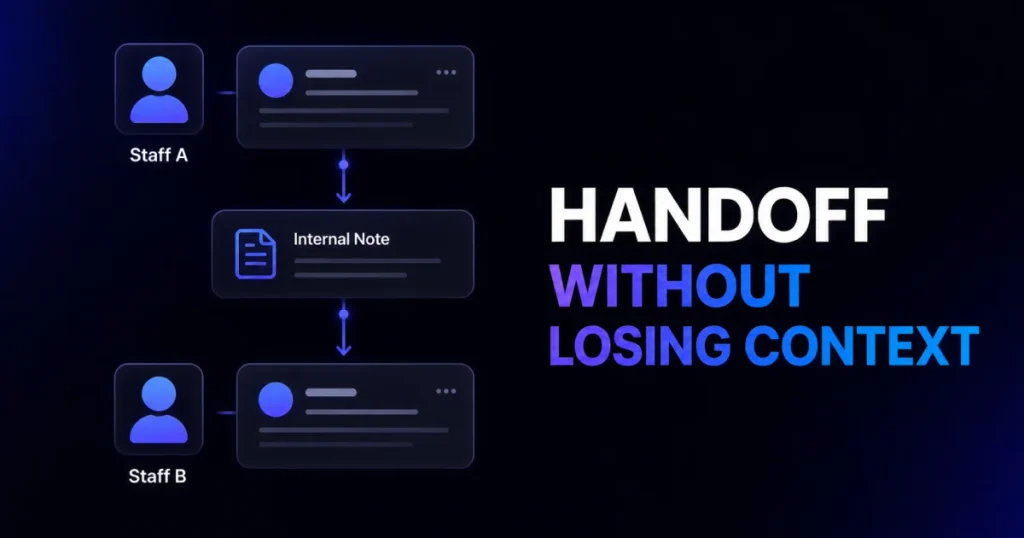
A conversation’s owner isn’t always available. Shifts end, staff takes vacation or sick leave, and people leave the clinic. This is one of the most common ways a message gets missed, since the workflow needs a plan for two failure modes: no one owns the conversation, or too many people do.
When the Person Handling a Message Is Unavailable
A handoff works when the next person has enough context to pick up where the first person left off. A short, consistent handoff checklist prevents that gap:
- Note the last message sent and received
- Name who is taking over the conversation
- State what happens next, and by when
- Confirm the new owner has acknowledged the handoff
A short break and a long leave both need a handoff. The length of the gap just changes how much planning it takes, not whether a handoff is necessary at all.
How to Prevent Duplicate Replies
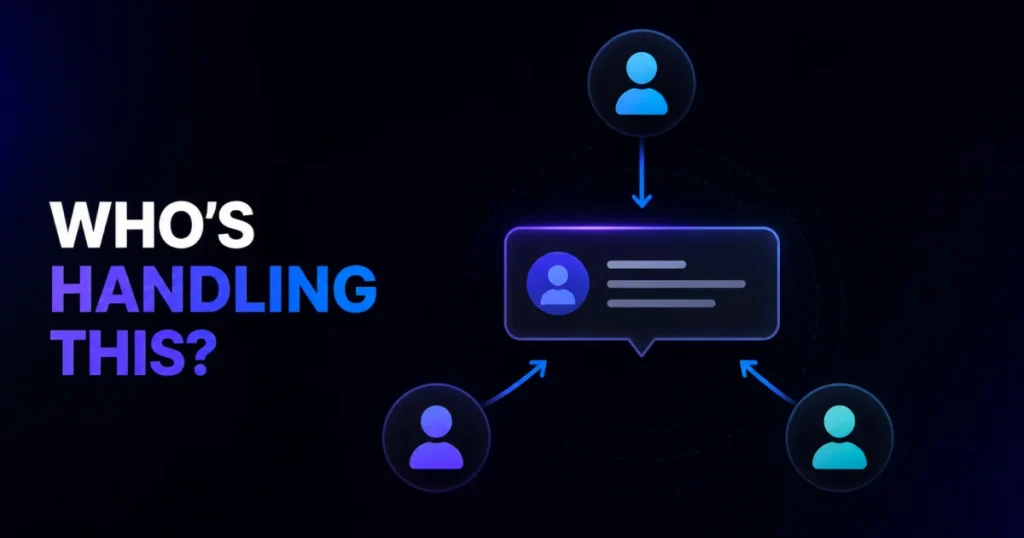
Duplicate replies happen when ownership exists in theory but isn’t visible in practice. Two staff members see the same open message, and both reply, sometimes with different answers.
The fix is the same rule from Step 3, put into practice: if a conversation already has a visible, named owner, other staff shouldn’t reply to it. That only works if ownership status is something everyone can see at a glance, not something they have to ask about.
How to Manage Patient Messages Across Multiple Channels
Clinics may receive messages through several channels: phone, patient portal, email, SMS, and sometimes WhatsApp. The operational challenge isn’t which channels you use. It’s keeping every conversation visible and assigned, no matter where it started.
When channels aren’t connected, staff lose the full picture of what a patient has already been told, and the same request can get answered twice in two different places. Managing multiple channels well comes down to the same things the rest of this workflow already covers: visibility into what’s open, clear ownership, and follow-up that doesn’t depend on remembering which channel a conversation started on.
If your clinic handles a meaningful volume of WhatsApp messages specifically, see our guide on managing patient WhatsApp messages for channel-specific detail.
HHS guidance explains that covered healthcare providers may communicate electronically with patients, including by email, while applying reasonable safeguards appropriate to the circumstances. That guidance covers communication with patients specifically. It does not permit staff to use unsecured tools to discuss patient information with each other.
This article covers communication workflow, not legal advice. Clinics should confirm their own HIPAA obligations with legal counsel.
How to Track Open and Unanswered Messages
A workflow only helps if someone can see, at a glance, what’s still outstanding. Without that view, unanswered messages become something staff tries to track in their heads, and that’s exactly the kind of thing that’s easy to lose by the end of a busy day.
A simple daily habit covers most of this. At a set point each day, check for any conversation that’s unassigned, or that’s been sitting in waiting or follow-up needed longer than expected. This check is a clinic’s last line of defense against a message being missed entirely. It doesn’t require special software, just making the check part of someone’s regular routine, the same way staff makes time to close out the register or confirm tomorrow’s schedule.
What to Look for in a Patient Messaging Workflow
If your clinic decides it needs a tool to support this process, the workflow above tells you exactly what to look for. A few capabilities matter more than the rest:
- One place to see messages from every channel, instead of switching between apps
- Ownership that’s visible and assignable, not just implied
- A way to leave notes so handoffs carry real context
- Basic reporting on response time and how much volume each staff member is carrying
These requirements come directly from the workflow, not from any specific product. Any tool that supports Capture, Classify, Assign, Respond, and Follow Up in a visible way will fit. AirChannel is one option built around this kind of shared visibility.
How AirChannel Supports This Workflow
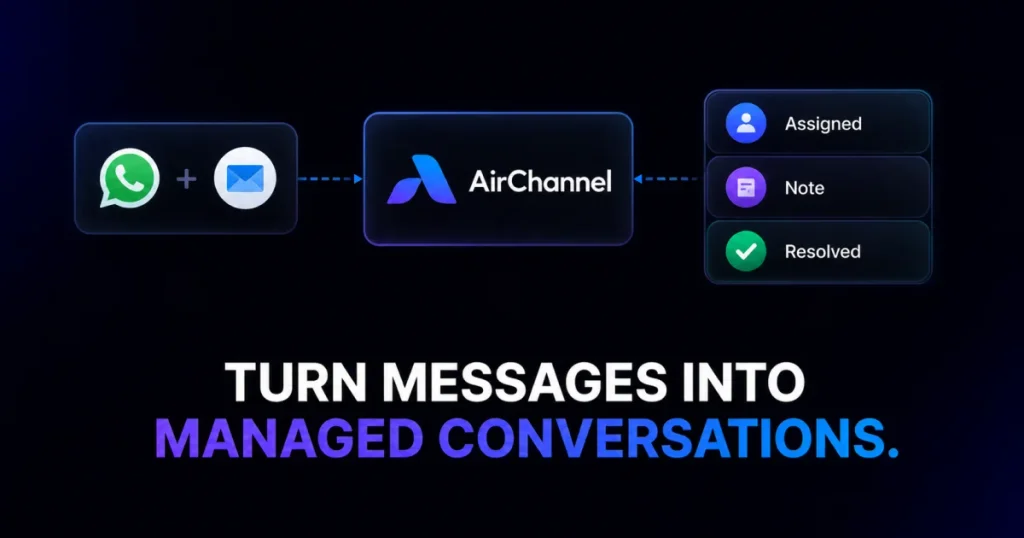
Here’s how AirChannel lines up with the workflow above, step by step.
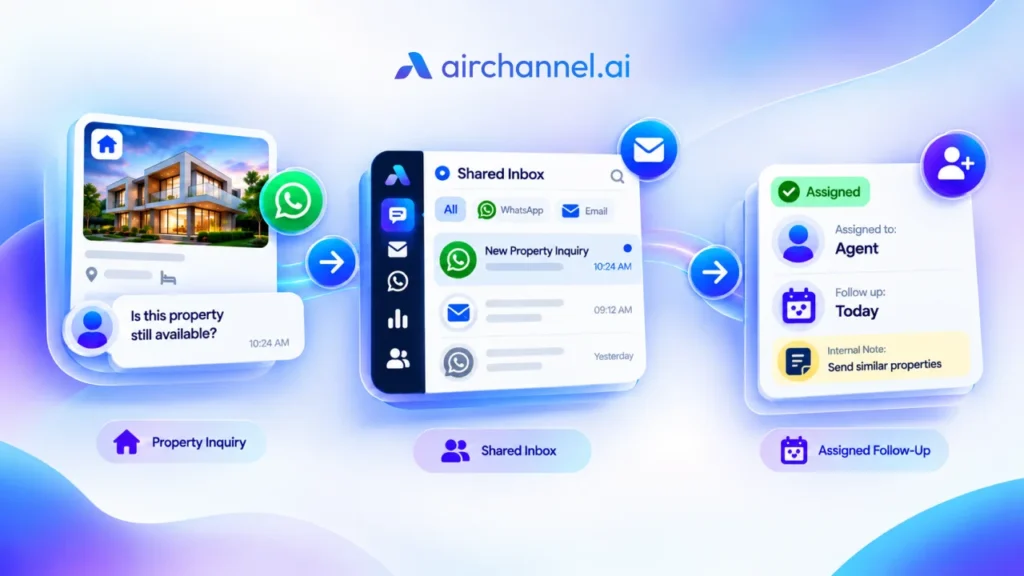
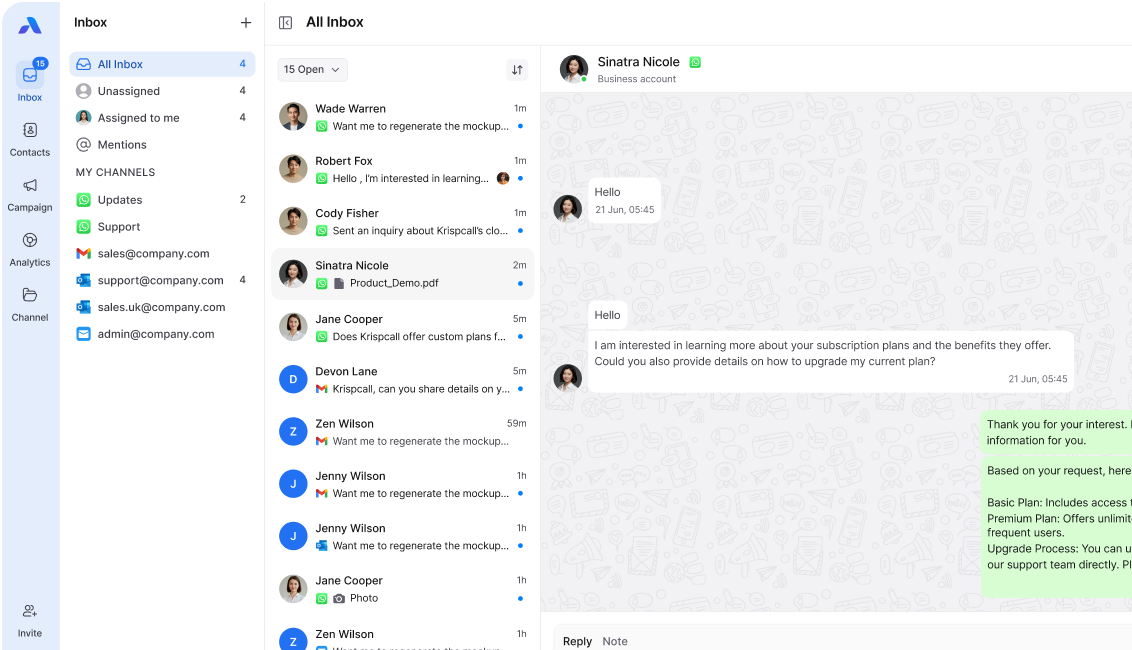
For Capture, AirChannel’s shared inbox brings WhatsApp and email into one workspace, so staff check one place instead of several. For Assign, conversation assignment gives every message a visible owner, and internal notes carry that context forward during handoffs.
For Classify, tags and filters help sort incoming messages by type. For Respond, shared conversation context means whoever replies can see the full thread, including any internal notes, so a response stays consistent no matter who sends it. Conversation history also helps prevent the duplicate replies covered earlier.
For the daily tracking habit described above, real-time analytics surface response times and message load per staff member. AirChannel is built around communication workflow and visibility. It’s not a clinical system, and it isn’t positioned as a HIPAA compliance tool or a place to handle protected health information; the workflow in this article applies regardless of which platform, if any, a clinic uses to support it.
Frequently Asked Questions
Why do clinics miss patient messages even when staff is trying to keep up?
Usually because ownership isn’t clear, not because staff is careless. A message can be received without anyone being specifically responsible for it, especially when it arrives through a channel nobody’s assigned to monitor.
What’s the difference between responding to a patient message and resolving it?
A response can acknowledge a message, ask a question, or route it elsewhere. Resolution means the patient’s actual need has been fully addressed, which sometimes takes more than one reply.
Who should be responsible for answering patient messages at a clinic?
It depends on the message type. Administrative staff can typically handle scheduling, billing, and records requests, while clinical questions should be routed to clinical staff according to your practice’s own policy.
How do you avoid two staff members answering the same patient?
Make ownership visible, not just assumed. If a conversation already has a named owner that everyone can see, other staff know not to reply to it.
What happens to open patient messages when staff goes off shift?
They need a handoff that includes the last message exchanged, who’s taking over, and what happens next. Without that, an open conversation can sit with no active owner until someone happens to notice it.
Can front-desk staff sort patient messages without a physician reviewing each one first?
Front-desk and administrative staff can sort and route messages by type, sending clinical questions to the appropriate clinical staff. Research from the AAFP describes this kind of staff triage as one way practices reduce physician inbox burden, though what counts as needing physician review is still a decision each practice sets through its own clinical policy.
Conclusion
Missing patient messages usually isn’t a staffing problem or a carelessness problem. It’s a process problem, and it has a repeatable fix. Capture every message in one place, classify it, and assign one clear owner. Respond with the right next step, then follow up until it’s actually resolved, not just acknowledged.
Whether your clinic builds this process around existing tools or looks for something like AirChannel to support it, the workflow itself is what closes the gap. It’s the difference between a message arriving and a patient actually getting what they need.