You open your laptop. Slack has 12 unread messages. Teams has a thread you missed. Your email inbox is full. And someone just sent you a video on Loom.
Sound familiar?
This is called tab fatigue – and it is quietly killing your team’s focus.

The average worker switches between apps over 1,000 times a day. Every switch breaks concentration. Every broken concentration costs you time. And when your team is scattered across five tools, important updates get lost. Decisions get delayed. People feel out of the loop.
That is where internal communication software comes in.
What Is Internal Communication Software?
Internal communication software is any tool that helps people inside your company talk to each other, share updates, and stay on the same page. It helps stop information silos where one person knows the plan, but the rest of the team is in the dark.
Think of it as your team’s digital home base.
Good internal communication software does three things:
• Keeps messages organized so nothing gets lost
• Reduces the noise so your team focuses on what matters
• Connects everyone – whether they are in the office or working remotely
The goal is simple: team alignment. When everyone knows what is happening, work moves faster.
Instant Messaging vs. Asynchronous Video: Which Is Better?
There are two main styles of internal communication. Both have their place.
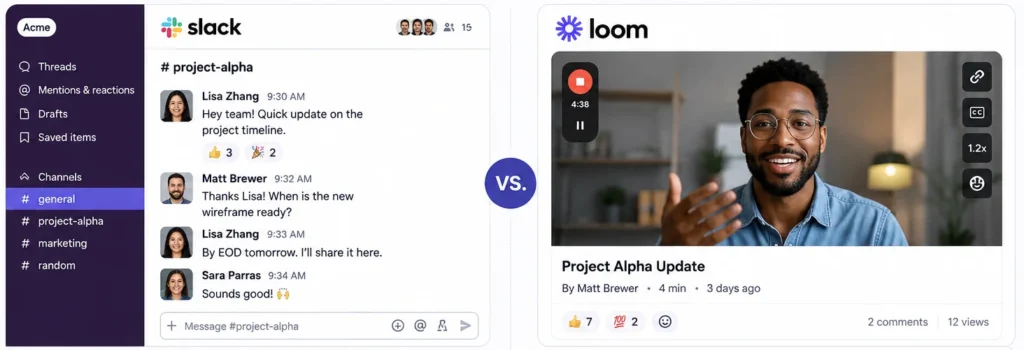
Instant Messaging (Slack-Style)
Tools like Slack are built for real-time conversation. You send a message. Someone replies. It feels like texting.
Best for:
• Quick questions that need fast answers
• Daily check-ins with your team
• Brainstorming sessions that need back-and-forth
The downside? Slack can become a noise machine. Every ping pulls someone out of deep work. And when conversations pile up, information silos form – where one person knows something and the rest of the team does not.
Asynchronous Video (Loom-Style)
Tools like Loom let you record a quick video and share it. Your teammate watches it when they are ready. No meeting needed.
Best for:
• Walkthroughs and tutorials
• Updates that need context
• Teams spread across time zones
The downside? Videos take longer to create and consume. And finding that one detail from a 10-minute recording later? Painful.
The truth is: most small teams need both. But most teams also end up with too many tools and not enough clarity.
The 7 Best Internal Communication Tools for Small Teams
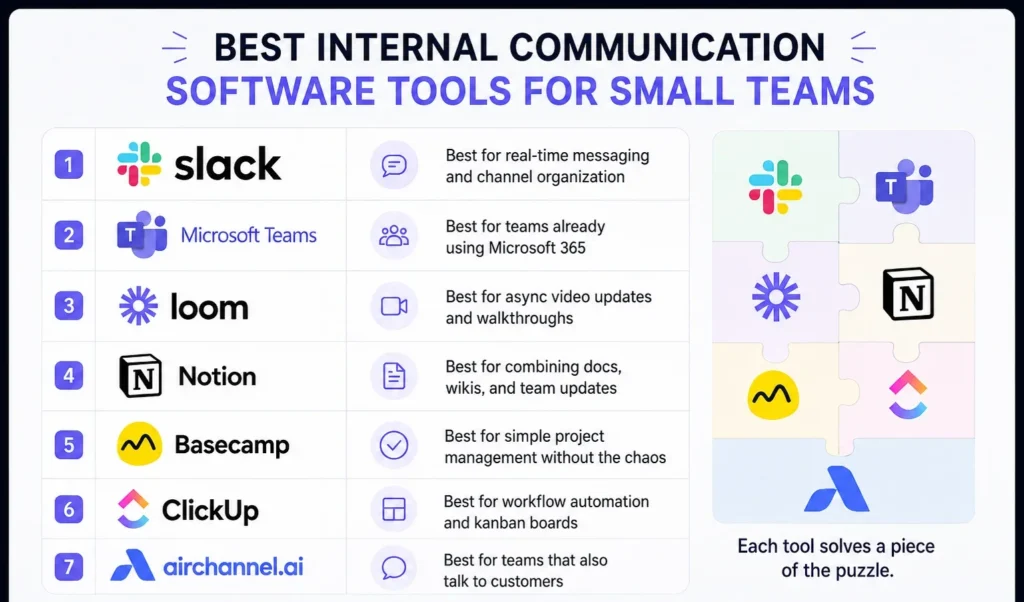
Here is a quick look at the tools worth your time in 2026:
1. Slack – Best for real-time messaging and channel organization
2. Microsoft Teams – Best for teams already using Microsoft 365
3. Loom – Best for async video updates and walkthroughs
4. Notion – Best for combining docs, wikis, and team updates
5. Basecamp – Best for simple project management without the chaos
6. ClickUp – Best for workflow automation and kanban boards
7. AirChannel.ai – Best for teams that also talk to customers
Each tool solves a piece of the puzzle. But here is what most of them miss.
The Missing Link: What Most Internal Tools Get Wrong
Here is the problem nobody talks about.
Your team chats internally. But your customers are messaging you on WhatsApp. Emailing your support inbox. Reaching out on multiple channels.
Most internal communication tools are built for your team only. They do not touch what is happening with your customers. So your team ends up in two worlds – the internal world and the customer world – with no bridge between them.
This creates real problems:
• A customer messages on WhatsApp at 9 am. No one sees it until 2 pm.
• Your sales rep closes a deal but forgets to update the support team.
• A frustrated customer gets three different answers from three different people.
That gap between internal talk and external messages? That is where deals are lost, and customers walk away.
How AirChannel.ai Fixes This
AirChannel.ai is built for small teams that handle both internal communication AND customer conversations.
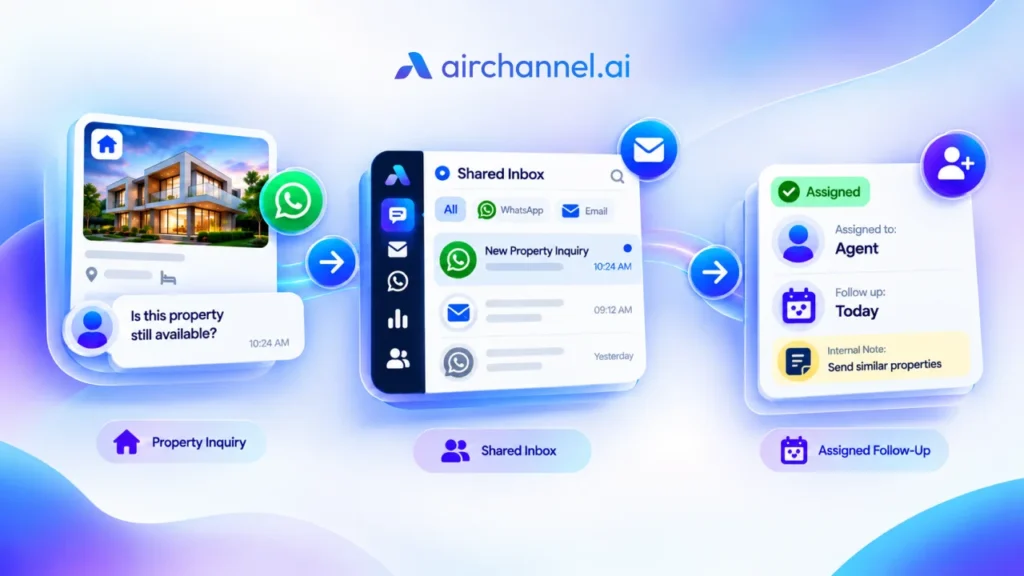
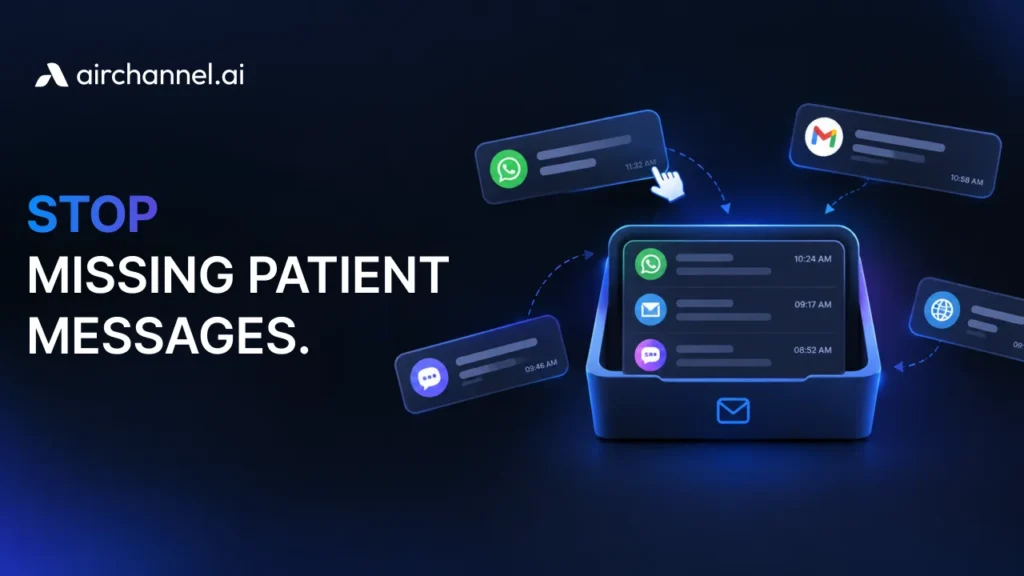
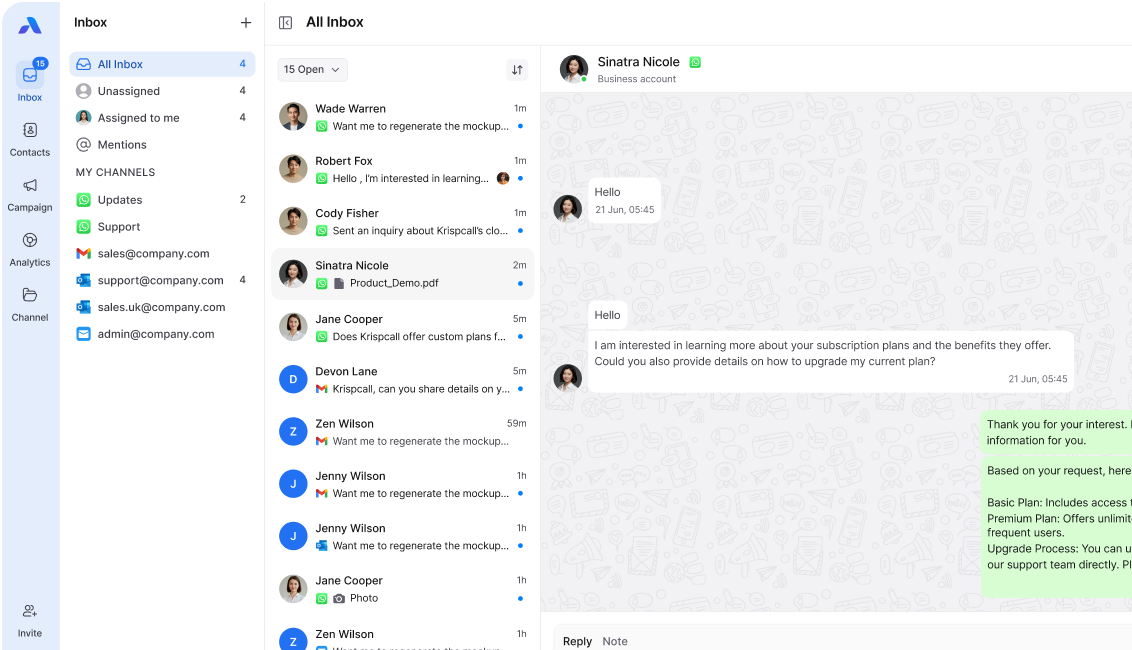
It brings your external messages (WhatsApp, email, and more) into one shared inbox that your whole team can see. No more switching between your CRM, your inbox, and your messaging apps.
But here is the part that changes everything: AI summaries.
When a customer has a long back-and-forth conversation with your team, AirChannel’s AI features automatically generate a summary. Any team member can get up to speed in seconds – without reading 40 messages.
This solves a massive pain point for small teams:
• New to a conversation? Read the AI summary. You are caught up.
• Team member out sick? Someone else can pick up the thread instantly.
• Manager wants a status update? It is already there.
This kind of employee engagement – where everyone feels informed and connected – is what separates teams that scale from teams that scramble. Only 23% of employees are engaged at work, according to Gallup’s State of the Global Workplace Report
AirChannel also supports workflow automation, so repetitive tasks (like tagging conversations or assigning chats to the right person) happen without anyone lifting a finger. Combined with a clean dashboard, it gives small teams the project management clarity they need without the complexity they do not.
The bottom line: AirChannel.ai is the bridge between your internal team and your external customers. And in 2026, that bridge is not optional – it is essential.
Want to stop juggling tabs and start giving your team one place to see everything?
Frequently Asked Questions
What is internal communication software?
Internal communication software is a tool that helps people within a company share information, coordinate work, and stay aligned. It can include chat tools, video tools, wikis, project boards, or platforms that combine all of these. The goal is to reduce confusion and make sure everyone knows what is happening.
Is Slack an internal communication tool?
Yes. Slack is one of the most popular internal communication tools available. It is built around channels – organized spaces where teams can have focused conversations. It works best for real-time messaging and quick collaboration. However, it does not handle customer-facing communication, so many teams use it alongside other tools.
How does AI improve team communication?
AI features in communication tools can do several things. They can generate AI summaries of long conversations so team members can catch up fast. They can flag urgent messages, auto-assign tasks, and even suggest replies. The result is less time reading through noise – and more time doing actual work. Tools like AirChannel.ai use AI to keep teams aligned on customer conversations without adding more meetings or manual updates.