Your company has a silent revenue killer. It is not slow sales calls or bad ad copy. It is something simpler: too many apps.
I have spent years helping enterprise teams clean up tangled communication stacks. Almost every team has the same problem. One app for chat. Another for video calls. A third for support tickets. A fourth for internal updates.
Each app works fine on its own. But together, they create chaos. Messages get lost. Teams repeat the same questions. Deals move more slowly than they should.
This guide breaks down what a real enterprise communication solution looks like today. You will see the true cost of a messy tech stack, the features that actually matter in 2026, and a simple checklist to help you choose the right provider.
The Problem: Why “More Tools” Is Making Your Team Slower
More tools were supposed to make work easier. Instead, they slow your team down.
Here is why. Every time someone jumps from email to chat to a video call, their brain has to reset. This is called context switching. It feels small in the moment. But it adds up fast.
A 2022 Harvard Business Review study tracked workers at three Fortune 500 companies. It found that the average employee toggles between apps and websites almost 1,200 times a day. That adds up to nearly four hours a week, just spent reorienting after each switch.
This constant switching leads to tool fatigue. Your team feels drained, not because the work is hard, but because they spend their day jumping between screens just to find basic information.
Tool fatigue shows up in simple, costly ways:
- Slower response times for customers and prospects
- Missed messages buried in the wrong app
- Frustrated employees who stop checking certain tools
- Duplicate work when teams cannot find shared context
The fix is not adding another tool. The fix is connecting the tools you already use, or replacing them with one system that does the job.
What Is an Enterprise Communication Solution?
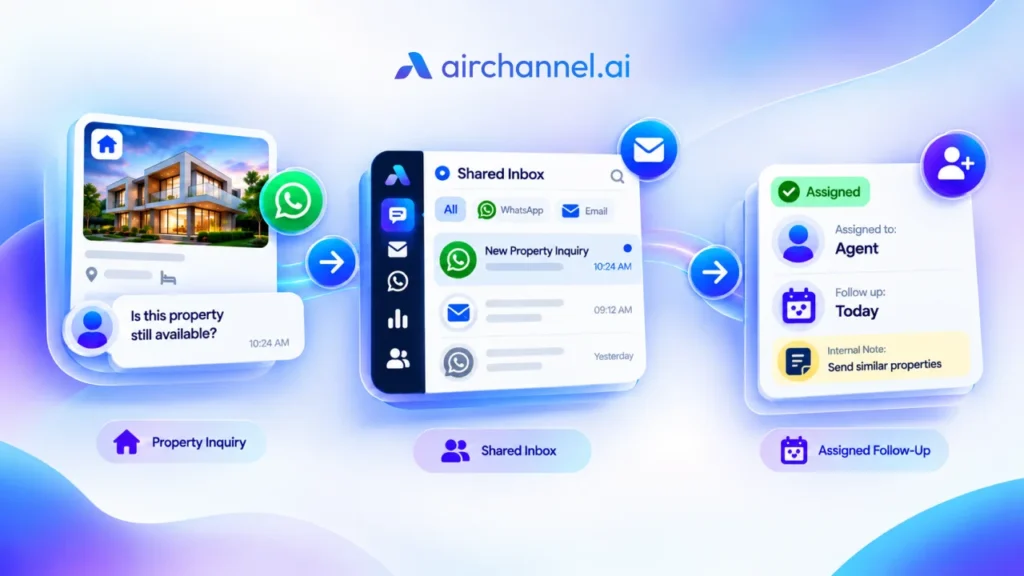
An enterprise communication solution is not just a phone system or a chat app. It is a unified stack: one system that connects every way your team talks, both inside the company and with customers.
This usually includes:
- Voice calls and video meetings
- Team chat and file sharing
- Customer support tickets
- SMS and social media messages
In the tech world, this setup is often called Unified Communications, or UCaaS (Unified Communications as a Service), when it runs in the cloud instead of on local servers.
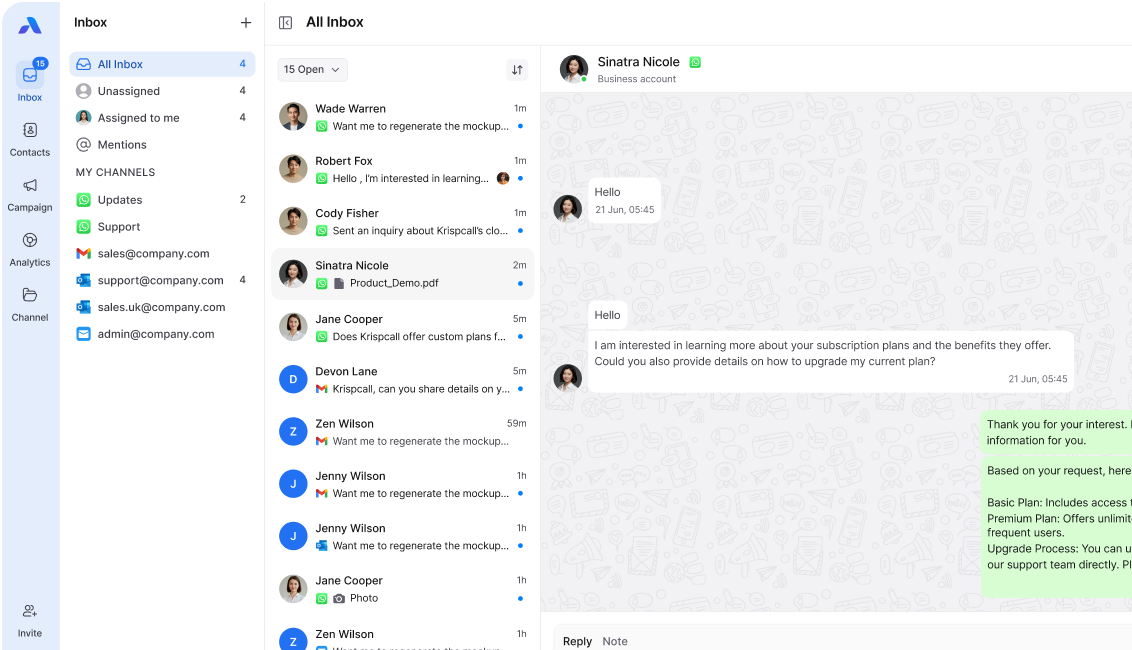
The goal is simple. Instead of switching between five different apps, your team works from one place. Customer history, chat logs, and call notes all live in the same system. No copying and pasting. No hunting through old emails.
A real enterprise communication solution should feel less like a stack of separate tools and more like one connected system that just works.
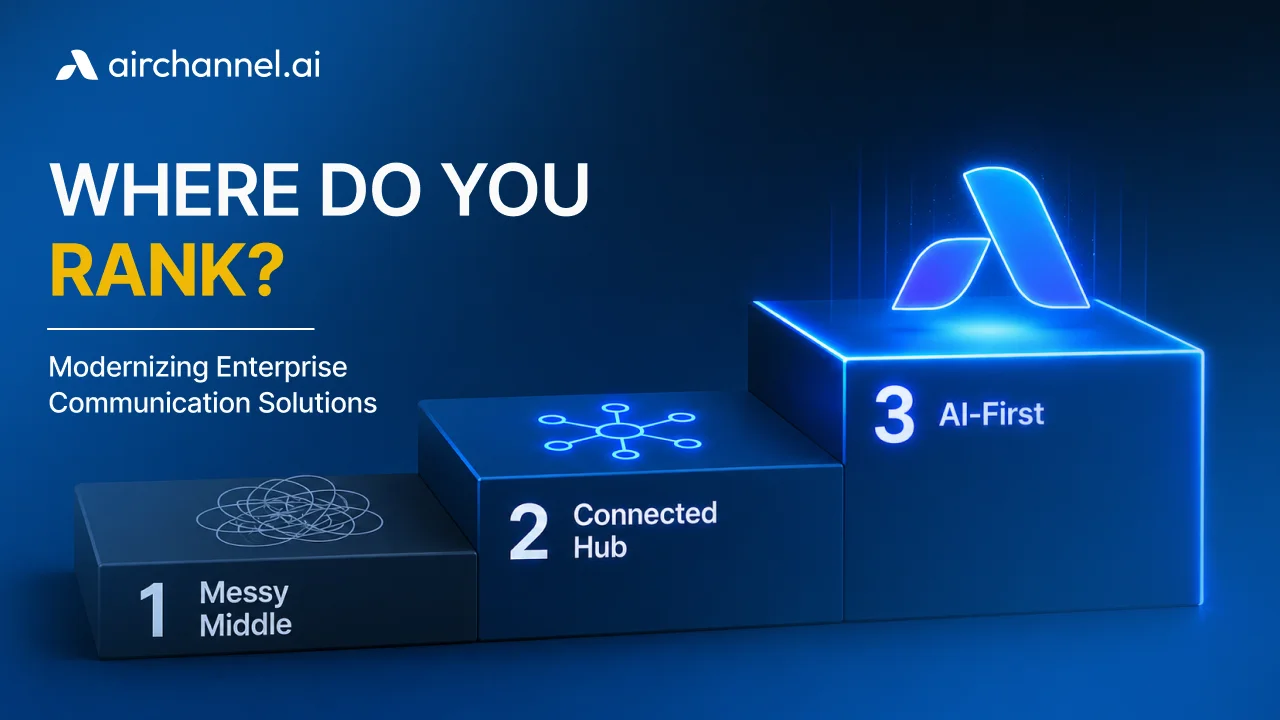
The 3 Stages of Communication Maturity
Most companies move through three stages on their way to a truly connected system. Here is what each one looks like.
Stage 1: The Messy Middle
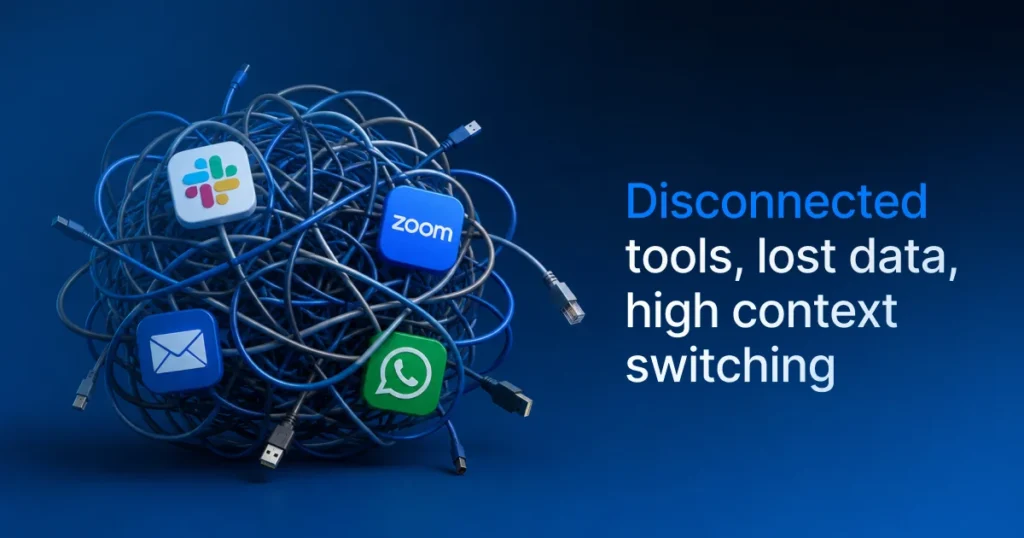
This is where most growing companies start. Teams use whatever tool solved their last problem. Sales uses one app. Support uses another. Marketing has its own tool for social media.
Nothing talks to anything else. Every new hire has to learn five different logins. Every customer question requires checking three different places for context.
This stage feels normal because it grows slowly, one app at a time, until suddenly there are twenty.
Stage 2: The Connected Hub
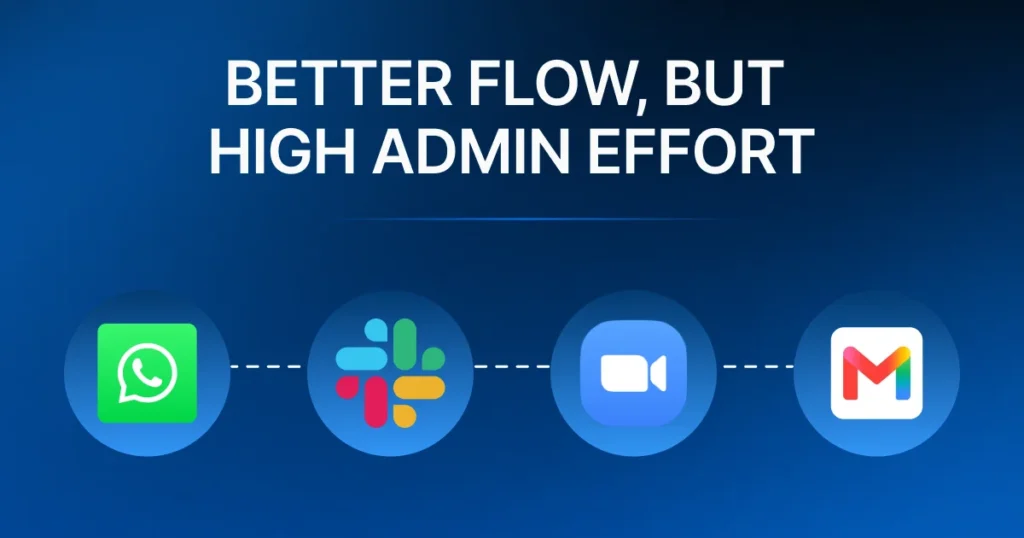
At this stage, companies start connecting their tools using APIs and integrations. Chat tools start talking to CRMs. Calendars sync with video tools. It is better, but it is still a patchwork.
The problem is that integrations break. An update to one app can break its connection to another. Someone on the team has to manage all these connections, which adds admin effort instead of removing it.
Stage 3: The AI-First Era
This is where things change. Instead of just connecting tools, companies start using AI Agents to handle the busy work between them.
An AI agent can join a call, write the summary, update the CRM, and flag follow-up tasks, all without a human doing the typing. It does not just connect your tools. It does the work that your tools used to make you do by hand.
This is the stage airchannel.ai was built for. Instead of asking your team to manage five tools and the gaps between them, airchannel.ai gives you one system where AI agents handle the busy work, so your team can focus on talking to customers, not managing software.
5 Must-Have Features for 2026
If you are shopping for a new communication system, here are the five features that actually matter.
1. AI Assistance (Post-Call Summaries)
Look for a system that gives you post-call intelligence. This means the AI listens to a call, then writes a summary, lists action items, and tags the key topics. Your team gets the notes without having to write them.
2. Real-Time Security (SSO, MFA, HIPAA)
Enterprise tools need enterprise-level security. Look for:
- SSO (Single Sign-On), so employees log in once instead of juggling passwords for every tool
- MFA (Multi-Factor Authentication), which adds a second layer of protection beyond a password
- HIPAA compliance, which matters if your company handles any health information
- GDPR compliance, for any business working with customers in the EU
3. CRM Sync (Salesforce/HubSpot)
Your communication tool should talk to your CRM, not just sit next to it. Real CRM integration means call notes, chat logs, and customer history update automatically in tools like Salesforce or HubSpot. Nobody has to copy and paste call details into a separate system.
4. Global Reliability (HD Voice/Video)
If your team or customers are spread across countries, call quality matters. Look for HD voice and video that stays clear, even on slower connections. A dropped call during a sales pitch can cost you the deal.
5. AI Receptionist (24/7 Inquiries)
An AI receptionist answers calls and messages around the clock. It can answer simple questions, route urgent ones to the right person, and make sure no customer message sits unanswered overnight.
The “Hidden Costs” of Choosing the Wrong Provider
The sticker price of a communication tool is rarely the real cost. The real cost shows up later, in two places: admin effort and implementation time.
I have watched companies pick a provider based on price alone, then spend six months untangling a rushed setup. By the time it was fixed, they had paid for two systems and trained their team twice.
Admin effort is the time your IT team spends managing the system. Every login issue, broken integration, or permission change takes time away from real work. Some platforms need a part-time admin just to keep things running.
Implementation timelines matter just as much. Some enterprise systems take months to set up. During that time, your team works with old tools and new ones at once, which makes the context switching problem even worse. Building a modern communication strategy means looking at the real cost of admin work, not just the monthly price.
Before signing a contract, ask the provider two direct questions:
- How long does setup usually take for a team of our size?
- What ongoing admin work will our IT team need to do?
If the answers are vague, that is a warning sign.
How to Choose: A Simple Checklist for Decision Makers
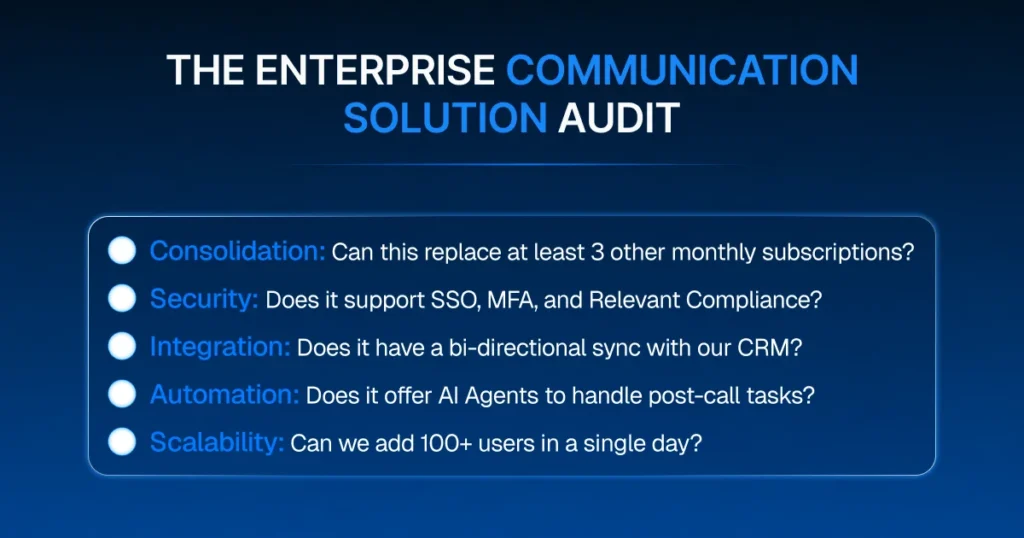
Use this checklist when comparing providers:
- Does it replace multiple tools, or just add another one?
- Does it offer real CRM integration, not just a basic plugin?
- Does it include SSO and MFA for security?
- Is it HIPAA and GDPR compliant, if you need that?
- Does it use AI agents to reduce manual work, like writing call summaries?
- What is the average setup time for a team of your size?
- How much ongoing admin effort does it require?
If a provider checks every box, you are looking at a real enterprise communication solution, not just another app to add to the pile.
Bring It All Together With airchannel.ai
Your team does not need another tool. It needs fewer tools that actually work together.
Every app you add without a plan makes context switching worse and tool fatigue more real. The companies that get this right are not the ones with the most software. They are the ones with the most connected systems.
airchannel.ai was built to be that connected system. It brings your calls, chats, and customer data into one place, with AI agents handling the busy work like post-call summaries and follow-ups. Your team gets one login, real CRM integration, and enterprise-level security, without the admin headache of managing five different tools.
If your communication stack feels like the messy middle, it is time to move forward.
See how airchannel.ai simplifies enterprise communication