So, what is a unified inbox?
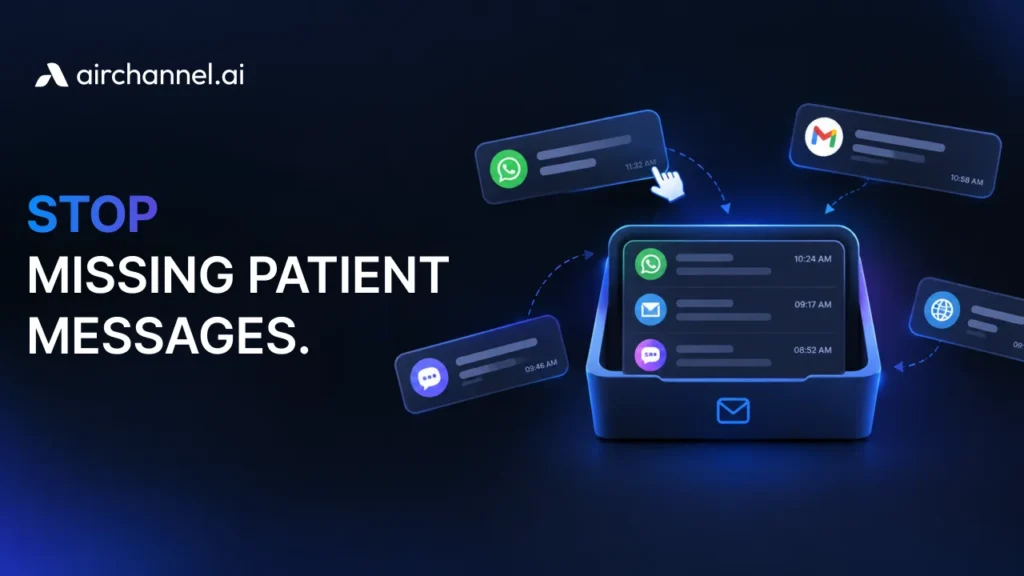
A unified inbox acts as a central command center for your business, pulling every message from platforms like email, WhatsApp, and social media into one master list so you can talk to customers in a single window.
Picture this. You have 20 browser tabs open. One for email. One for WhatsApp. Two for Instagram. Another for Facebook Messenger. A Slack tab. Maybe a live chat window. Your phone buzzes. A customer just replied on Twitter. You switch to that tab. Now you have lost the email thread you were reading.
Sound familiar?
This is the daily reality for millions of customer support agents and business owners. Messages get buried. Customers wait. Teams burn out. And revenue leaks through the cracks.
There is a better way. It is called a unified inbox.
The “Too Many Tabs” Problem
App switching is the silent killer of team productivity.
Every time an agent jumps from one platform to another, they lose time and focus. Research shows it takes over 20 minutes to fully regain concentration after a distraction. Now multiply that by every channel your team manages.
Here is what app switching actually costs your business:
- Lost messages. A customer DMs you on Instagram. Another email at the same time. You can only look at one screen. One message gets missed.
- Slower response times. Agents spend more time searching than actually helping customers.
- Agent burnout. Constantly toggling between tools is mentally exhausting. Burned-out agents make mistakes. They leave. You rehire. The cycle repeats.
- Inconsistent customer experience. A customer might get a fast reply on WhatsApp but wait hours for an email response from the same business.
The problem is not your team. The problem is the tools.
The Simple Definition: What is a Unified Inbox?
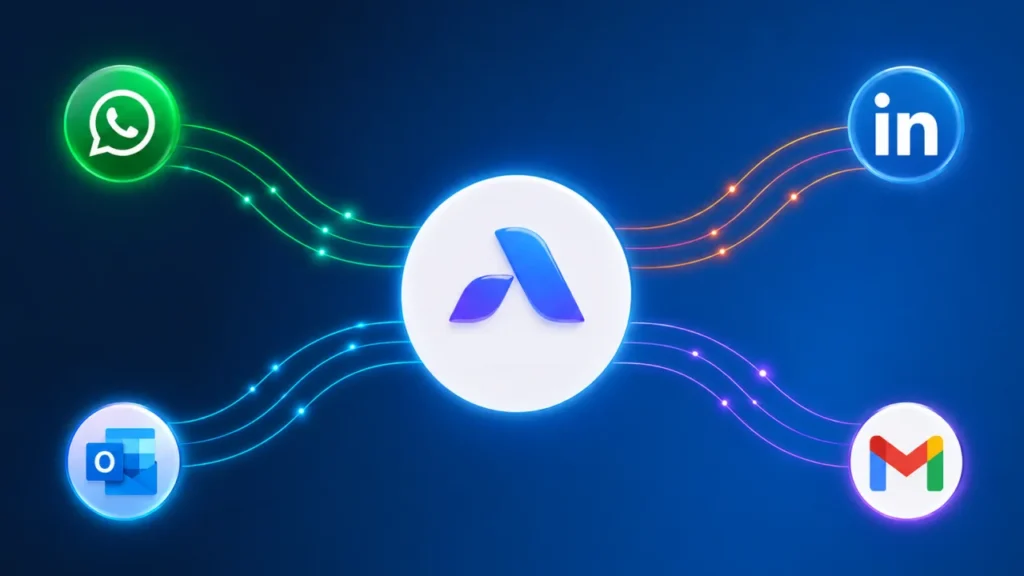
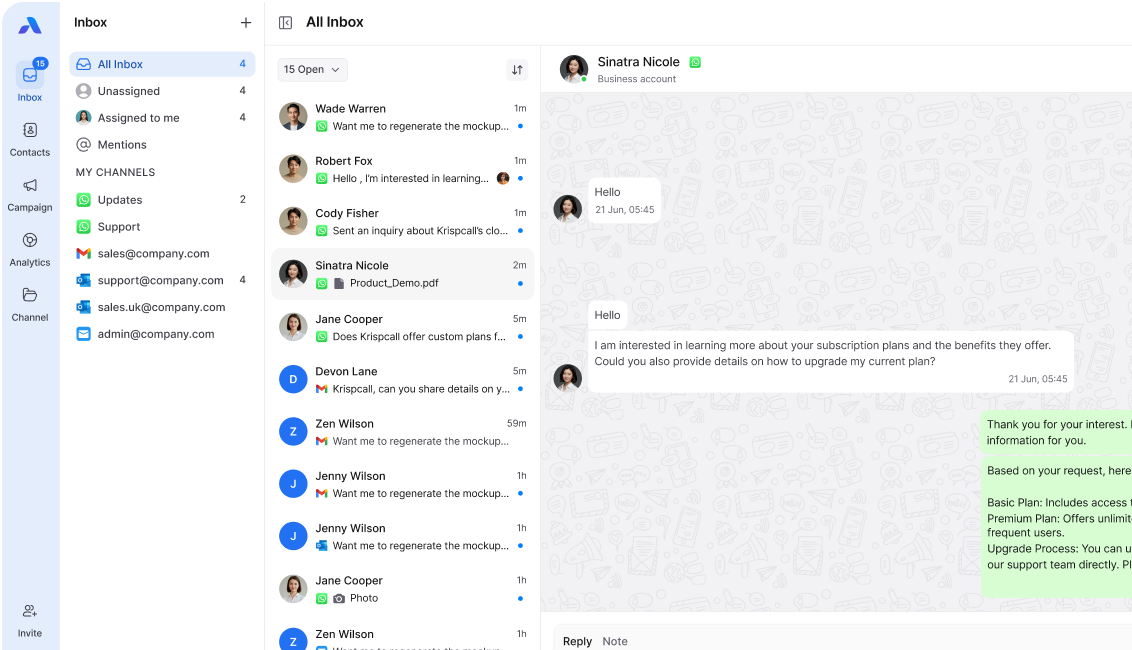
A unified inbox is a single software dashboard that pulls messages from different channels like email, WhatsApp, and social media into one screen so teams can reply without switching apps.”
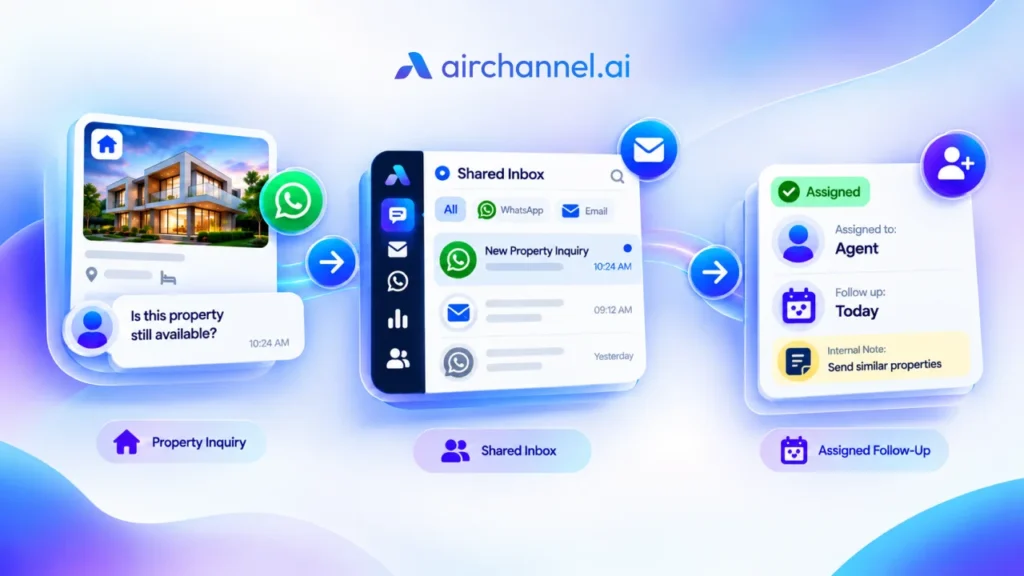
Instead of logging into five different apps, your team sees every message in a single dashboard. Email, WhatsApp, Instagram, Facebook, SMS, and live chat all flow into one unified view.
Think of it like a single mailbox for your entire business, no matter how many communication channels you use.
Key things a unified inbox does:
- Pulls messages from every channel into one screen
- Let your team reply without switching apps
- Shows the full history of every customer interaction in one thread
- Routes new messages to the right agent automatically
That last point is called auto-routing. It is one of the most powerful features a unified inbox can have. Instead of manually assigning tickets, the system sends each message to the best person to handle it.
Why Business is Different in 2026
Five years ago, email was enough. Today, it is not even close.
Customers contact businesses on WhatsApp, Instagram DMs, Facebook Messenger, TikTok comments, SMS, and live chat. They expect a fast reply on whatever channel they use. They do not want to repeat themselves if they switch channels.
Here is the reality for businesses in 2026:
- WhatsApp has over 2 billion active users. Ignoring it means ignoring your customers.
- Gen Z and Millennials prefer DMs over phone calls. If you are only on email, you are invisible to a huge part of the market.
- Customers expect replies in under an hour. On social media, that window is even shorter.
Email-only businesses are losing customers to competitors who respond faster on the channels customers actually prefer.
A unified inbox is no longer a nice-to-have. It is a survival tool.
3 Ways a Unified Inbox Helps Your Business
1. It Boosts Agent Productivity
When agents stop app switching, they get more done. Instead of hunting for messages across six platforms, everything is in one place. Agents can handle more conversations in less time. Agent productivity goes up. Burnout goes down.
2. It Cuts Response Times
Speed is a competitive advantage. A unified inbox lets agents see and reply to messages faster because there is no searching. Auto-routing also ensures urgent messages go to the right person immediately. Faster response time means happier customers.
3. It Improves the Customer Experience
Every customer interaction gets logged in one place. When a customer contacts you again, any agent can see the full history instantly. No more “Can you repeat your issue?” moments. Customers feel known. That builds loyalty.
The 5-Second Stress Test
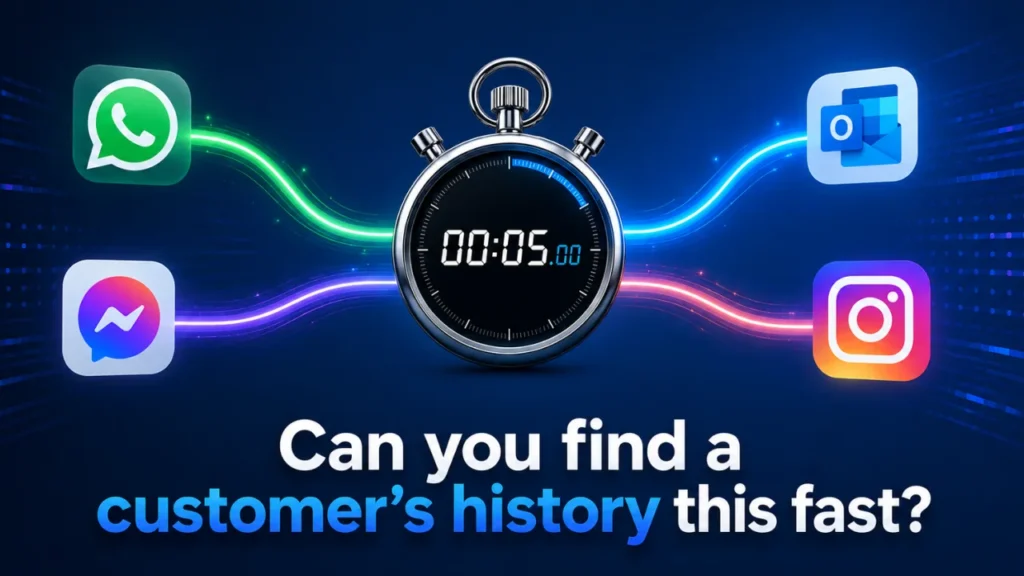
Here is a quick way to know if your team needs a unified inbox.
Ask yourself this: How long does it take to find a customer’s full conversation history?
If the answer is more than 5 seconds, you have a problem.
Try it right now. Pick any customer who contacted you in the last week. Can you find every message they sent, across every channel, in under 5 seconds?
If you had to check email first, then WhatsApp, then Instagram, then ask a colleague… you failed the test.
This is what the test reveals:
- If it took 5 seconds or less, your communication stack is working well.
- If it takes 30 seconds to 2 minutes, you are losing time and making customers repeat themselves.
- If it took longer, or you could not find it at all, your team is operating in chaos.
Most businesses fail this test. Not because they are bad at their jobs. But their tools were not built for how customers communicate today.
A unified inbox fixes this instantly. Every message from every channel lives in one thread, tied to one customer profile.
Top Features to Look for in 2026
Not all unified inboxes are the same. Here is what separates a basic tool from a powerful one:
AI-Powered Capabilities
- Smart reply suggestions to speed up responses
- Auto-tagging and categorizing messages
- Sentiment detection to flag frustrated customers
Customer Interaction Analytics
- See which channels get the most messages
- Track average response time per agent and per channel
- Identify peak hours so you can staff accordingly
Team Collaboration Tools
- Internal notes so agents can hand off conversations smoothly
- @mentions to loop in teammates without leaving the inbox
- Shared drafts for reviewing replies before they are sent
Auto-Routing
- Rules that send messages to the right agent based on topic, language, or channel
- Priority queues for VIP customers or urgent issues
These features do not just make life easier. They turn your inbox into a growth engine.
Frequently Asked Questions (FAQs)
What is the difference between a unified inbox and a shared inbox?
A shared inbox lets multiple people access one email account, like support@yourcompany.com. A unified inbox goes further. It combines messages from every channel, not just email, into one view. A shared inbox solves the “multiple agents, one email” problem. A unified inbox solves the “multiple channels, multiple agents, zero visibility” problem.
Is a unified inbox the same as a shared inbox?
No. A shared inbox is for one email address. A unified inbox is for all channels (Email + Social + WhatsApp).
Can I connect WhatsApp to my unified inbox?
Yes. The best unified inbox platforms fully support WhatsApp Business API integration. This means WhatsApp messages appear alongside your emails and social DMs in one dashboard. Your team can reply to WhatsApp conversations without opening the WhatsApp app. This is a game-changer for teams that manage high volumes of customer messages.
Does it help with response times?
Absolutely. Response time improves for three reasons. First, agents see every message in one place, so nothing is missed. Second, auto-routing sends messages to the right agent immediately. Third, AI suggestions help agents craft replies faster. Businesses that switch to a unified inbox typically see response times drop by 40% or more in the first month.
How does a unified inbox help with customer support?
It stops agents from losing messages and lets them see the full history of a customer in one place.
Can I use a unified inbox for sales?
Yes. It helps sales teams respond to leads faster on the channel the customer prefers (like WhatsApp or Instagram).
Stop the Chaos with AirChannel.ai
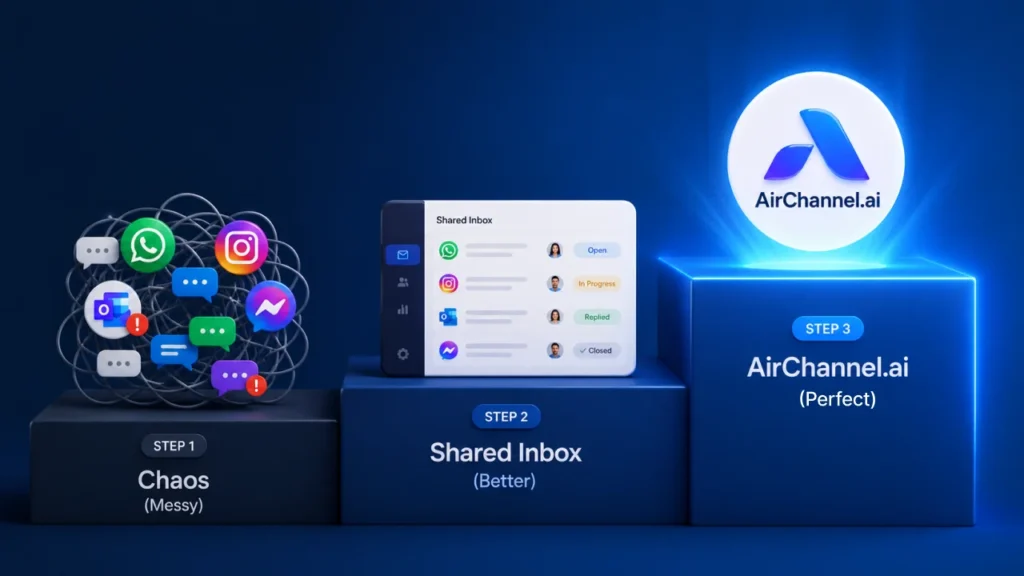
Most businesses sit at one of three stages of communication maturity.
- Stage 1: Managing everything manually across separate apps.
- Stage 2: Using a basic shared inbox for email, but still juggling social channels separately.
- Stage 3: A fully unified communication stack where every channel works together, with automation, analytics, and collaboration built in.
Most businesses are stuck at Stage 1 or 2. Stage 3 is where growth happens.
AirChannel.ai is built for Stage 3.
AirChannel.ai brings all your communication channels into one smart platform. Email, WhatsApp, Outlook, and more, all in a single unified view. Your team gets auto-routing, customer interaction analytics, and AI tools that cut response time and reduce agent burnout.
You do not have to manage 20 tabs anymore.
Give your team one place to do everything.