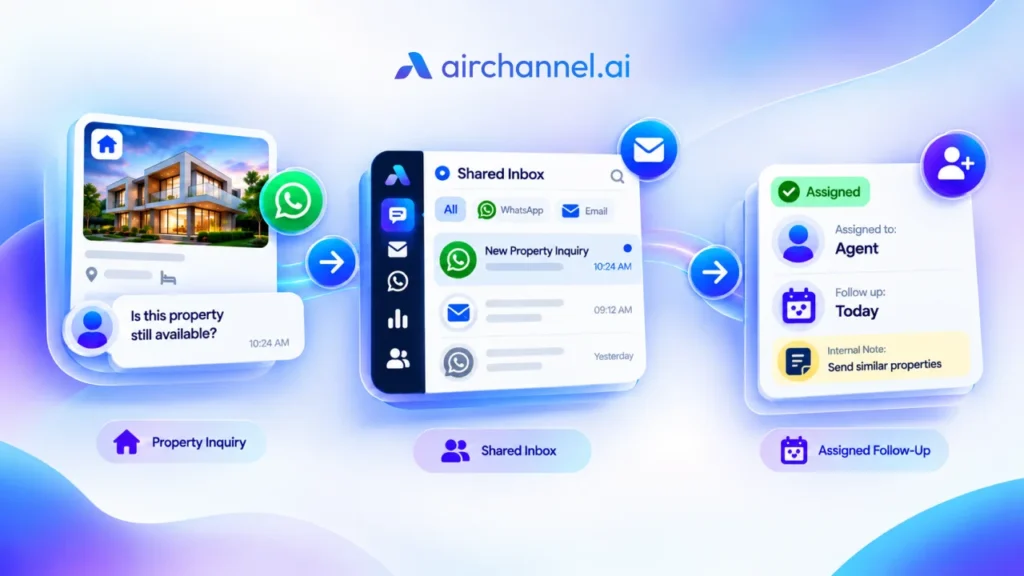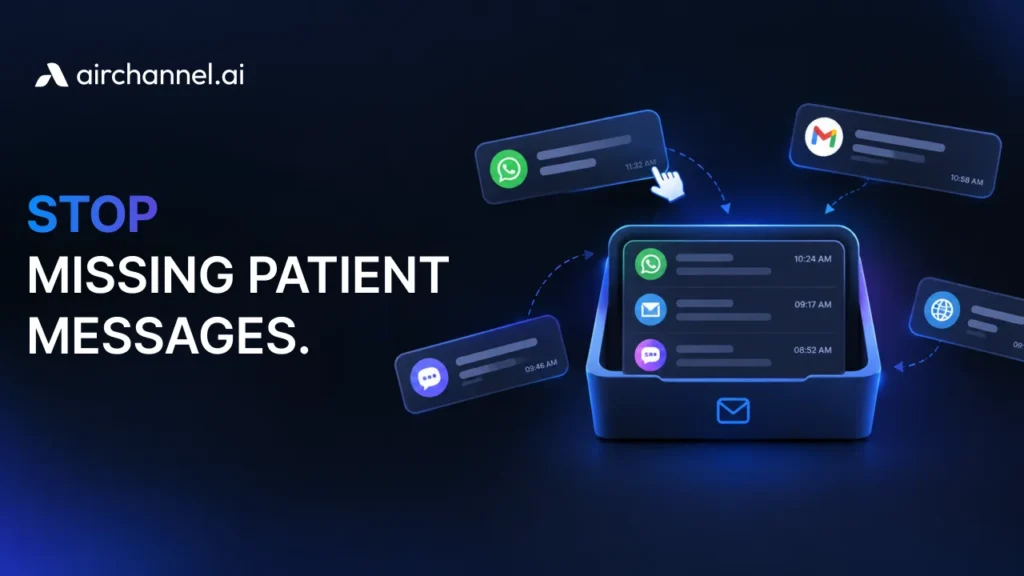
Quick Answer: Why teams need a shared inbox comes down to one problem: solo email logins create blind spots. A shared inbox gives your whole team one place to see, assign, and answer messages across email and WhatsApp. This builds transparency, spreads accountability, and stops customer messages from falling through the cracks.
Key Benefits of a Shared Inbox at a Glance
- Collision detection stops two people from replying to the same customer at once

- Internal notes let your team talk about a message without leaving the inbox

- Multi-channel sync brings WhatsApp and email into one unified dashboard

 -Message assignment gives every conversation a clear owner
Why Teams Need a Shared Inbox: From Chaos to a Unified Command Center
Right now, your team probably works out of separate inboxes. One person owns the support@ Gmail login. Another handles the WhatsApp Business number from their personal phone. A third checks in on Slack, asking, “Did anyone reply to that customer yet?”
This is inbox chaos. Messages live in silos, passwords get shared over text, and nobody has the full picture. This is also where weak team email management usually starts, since no one owns the process.
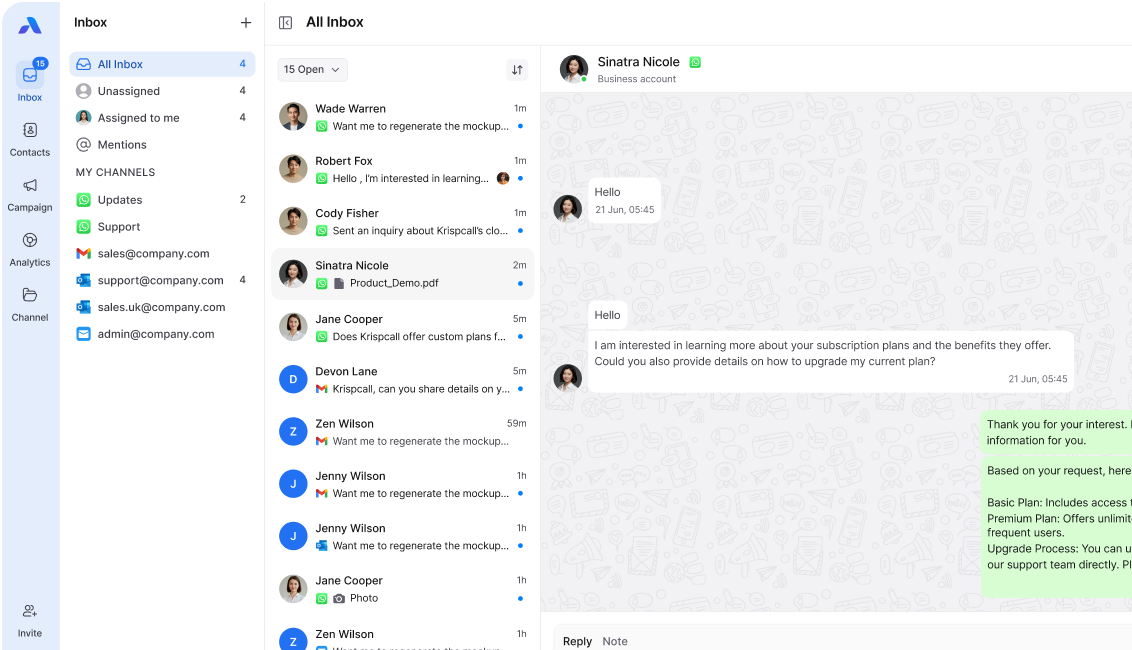
A shared inbox software fixes this by pulling every channel into one unified dashboard. Your team sees the same conversations, in real time, in one place. That is the shift from chaos to a command center, and it is the core reason behind the benefits of a shared inbox that most teams notice within the first week.
AirChannel’s internal notes feature makes this shift easy. Your team can tag each other, leave context, and hand off conversations without ever leaving the inbox.
The Real Cost of a Missed Message
A missed message is never just one missed message. It is a chain reaction.
A customer emails your team. Nobody claims it because they assume someone else will. Two days pass. The customer follows up, annoyed, and now your team is doing damage control instead of just answering a question.
Here is the quick math on why this matters:
| Missed Message Impact | Result |
| 1 unanswered email | 1 frustrated customer |
| Customer follows up on WhatsApp | Duplicate work, slower resolution |
| Repeated pattern | Lost trust, lost renewals |
| Public complaint | Damaged reputation |
Every missed message chips away at trust. A shared inbox closes this gap by making sure every message has a visible owner and a status.
The Shadow Communication Problem
Watch your team’s Slack or Teams channel for a day. You will likely see messages like “Did you see that email from the Miller account?” or “Can someone check WhatsApp, I think we missed a reply?”
This is shadow communication. It is a whole second conversation happening about your first conversation, and it exists only because your team cannot see the original message together.
Shadow communication wastes time. It also means important context lives in two places: the original inbox and a chat thread that nobody will find again in three months.
A shared inbox removes the need for shadow communication. Internal notes replace the sidebar chatter, and they stay attached to the conversation forever.
The Ownership Vacuum

When five people have access to one inbox, you would think five people are watching it. In practice, the opposite happens.
Everyone assumes someone else is on it. This is the ownership vacuum: everyone’s responsibility becomes no one’s responsibility.
Message assignment solves this directly. When a conversation gets assigned to one person, that person owns it until it is resolved or reassigned. No guessing, no “I thought you had this one.”
This single change is often the biggest driver of faster response times. Accountability stops being a vague team value and becomes a visible status on every conversation.
Protecting Institutional Memory

When a customer only ever emails one person’s personal Gmail account, your company’s history with that customer lives in one inbox. If that person is out sick, on vacation, or leaves the company, that history goes with them.
This is a loss of institutional memory. New team members have to ask the customer to repeat themselves, which feels careless and unprofessional.
A shared inbox keeps every conversation, every note, and every past issue in one searchable place. Anyone on your team can pick up a conversation and understand the full history in seconds. If your team is still relying on individual Gmail accounts for shared work, this is one of the clearest signs it is time to move on.
The WhatsApp Mirror: One Brand Voice, Every Channel
Your brand voice should sound the same whether a customer emails you or messages you on WhatsApp. In practice, this rarely happens when channels are managed separately.
Email replies come from a template. WhatsApp replies come from whoever grabbed the phone first, often in a rushed, casual tone. Customers notice the difference, and it can feel like they are talking to two different companies.
A true WhatsApp team inbox mirrors your email standards inside WhatsApp. Same tone, same response guidelines, same visibility for your whole team.
Stop passing the office phone around. See how AirChannel unifies your WhatsApp and email into one consistent, professional experience for every customer.
Security Alert: Stop Sharing Passwords
If your team is logging into one shared Gmail account with a single password, you have a real security problem.
Shared logins mean you cannot track who sent what. They also block you from using two-factor authentication properly, since one 2FA code cannot serve five people at once. If an employee leaves, you have to change the password and hope nobody kept a copy.
A proper shared inbox gives each team member their own login, with individual permissions. You get full 2FA protection and a clear log of who did what, without ever handing out a shared password again.
How Collision Detection and Internal Notes Prevent Real Errors
These two features are not just nice extras. A shared inbox for customer service stops real, costly mistakes across different industries.
Logistics: A shipping delay email comes in. Without collision detection, two team members both reply with different pickup times, confusing the customer further. With it, the second person sees the first is already typing and steps back.
E-commerce: A refund request needs manager approval before a reply goes out. An internal note lets the support agent tag their manager directly on the message, avoiding a wrong promise made to the customer.
Real Estate: A lead messages on WhatsApp asking about a listing. An internal note lets the agent flag that this lead already toured the property last week, so the next reply does not repeat information the customer already has.
In every case, the tools prevent the same root problem: people acting without the full picture.
The 3-Step Audit: How Much Time Is Your Team Wasting?
Before you decide if a shared inbox is worth it, run this quick audit.
- Track your average first response time for one week. Note how long it takes your team to send the first reply to a new message, across email and WhatsApp.
- Count how many times someone asks “did we reply to this yet?” in Slack, Teams, or in person. Each one is a sign of shadow communication.
- Ask your team how many logins or shared passwords they juggle daily. Add up the number of separate accounts, tabs, and apps needed just to check messages.
If your first response time is slow, your team asks about replies often, or your team juggles more than two logins a day, you are likely losing hours every week to inbox chaos.
Decision Matrix: Are You Outgrowing Your Gmail Login?
| Signal | Still Fine with Gmail | Time for a Shared Inbox |
| Team size | 1-2 people | 3+ people |
| Channels used | Email only | Email + WhatsApp + more |
| Response tracking | Informal, works fine | Messages get missed |
| Accountability | Clear who owns what | Unclear ownership |
| Security | Individual logins | Shared passwords |
If you checked two or more boxes in the right column, your current setup is holding your team back.
How to Manage a Shared Team Email: Moving from a Private Inbox to a Shared One
Switching feels bigger than it actually is. Here is a simple path:
- Audit your current channels. List every email address and WhatsApp number your team uses for customers.
- Migrate one channel first. Start with your busiest channel, usually email, before adding WhatsApp.
- Set assignment rules. Decide how new messages get distributed, whether by team, topic, or round robin.
- Train your team on internal notes. Replace Slack side-conversations with notes directly on the message.
- Review after two weeks. Check your response times and adjust assignment rules as needed.
This gradual rollout keeps your team comfortable and avoids the disruption of switching everything at once.
Also you can look at our previous article about shared inbox below:
- 7 best shared gmail alternatives for teams 2026
Frequently Asked Questions
Is a shared inbox just a Google Group with a different name? What about a shared inbox vs. a distribution list?
No, and this mix-up trips up a lot of teams. A distribution list, like a Google Group, forwards copies of emails to everyone on the list, but it does not track who replied, prevent duplicate replies, or support internal notes. A shared inbox is built specifically for team collaboration, with assignment, collision detection, and status tracking built in.
Will my team feel like I’m micromanaging them with this?
Most teams feel the opposite. Message assignment removes the guesswork of who should reply, which actually reduces pressure. Instead of feeling watched, your team gets a clear, fair way to divide the work.
Can we still use our existing WhatsApp numbers?
Yes. A WhatsApp team inbox connects to your existing WhatsApp Business number. You keep the number your customers already know, but your whole team can now see and respond to messages together.
How does this prevent two people from replying to the same email at once?
Collision detection shows a live indicator when a teammate is already viewing or typing a reply to a conversation. This visual cue stops duplicate replies before they happen.
Ready to End the Chaos?
Your team is spending real hours every week on missed messages, shadow communication, and shared passwords. None of that is necessary.
Book a Demo with AirChannel today and bring your email and WhatsApp into one unified inbox your whole team can trust.