Quick Answer
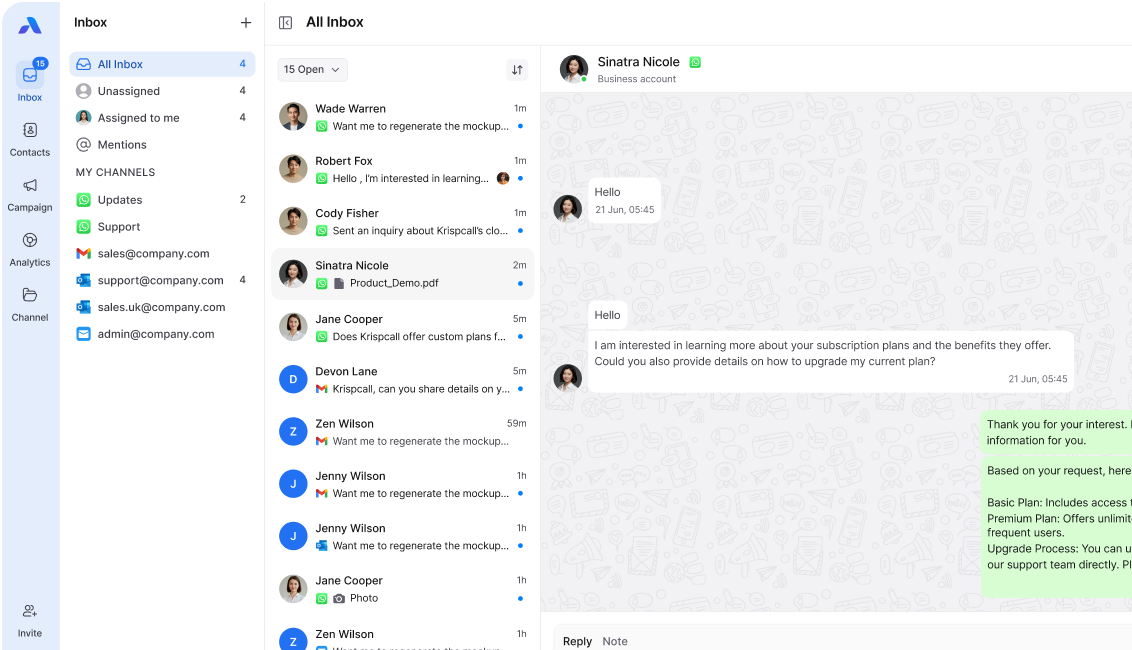
A WhatsApp team inbox is a shared workspace where multiple teammates can manage WhatsApp conversations from one business number. Teams can assign chats, add internal notes, track replies, and collaborate without relying on one person’s phone.
How Does a WhatsApp Team Inbox Work?
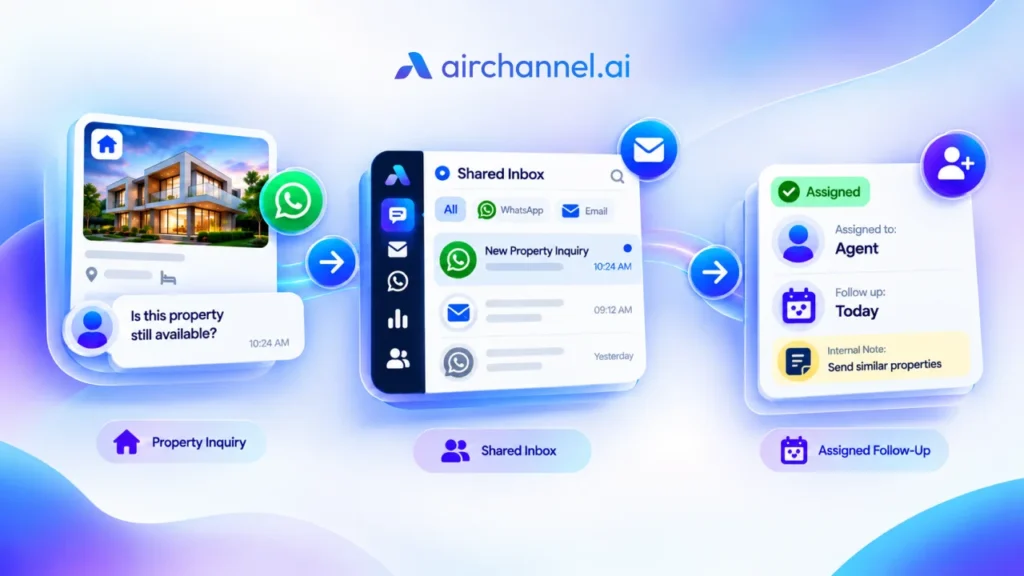
A WhatsApp team inbox connects a WhatsApp number to a shared workspace that multiple teammates can access. Instead of passing one phone between team members, everyone can work from the same inbox.
A typical workflow looks like this:
- Connect your WhatsApp number
Bring your WhatsApp conversations into a shared workspace. - Receive customer messages
New WhatsApp conversations appear in the team inbox. - Assign conversations
Give each conversation to the teammate responsible for handling it. - Collaborate with teammates
Add internal notes and share context without sending internal messages to customers. - Respond and follow up
Reply to customers while keeping the conversation history available to the team.
This gives teams a clearer way to manage WhatsApp conversations without relying on one person’s phone or memory.
What Does a WhatsApp Team Inbox Include?

A WhatsApp team inbox typically brings several team communication features into one workspace.
Core pieces of a working WhatsApp Team Inbox:
- Multi-agent access: Multiple teammates can access and manage WhatsApp conversations instead of relying on a single person to handle every message.
- Conversation Assignment: Teams can view previous messages and customer context, making it easier to understand what has already been discussed.
- Internal Notes: Teammates can leave private notes and mention other team members without those messages being visible to the customer.
- Tags and Filters: Teams can organize conversations by status, topic, or other categories so important messages are easier to find.
- Team Visibility: Managers and teammates can see conversations in one shared workspace instead of depending on separate phones or individual accounts.
Each piece feeds the same goal: faster replies and a better Customer Experience (CX) without adding headcount.
Why Teams Use a WhatsApp Team Inbox
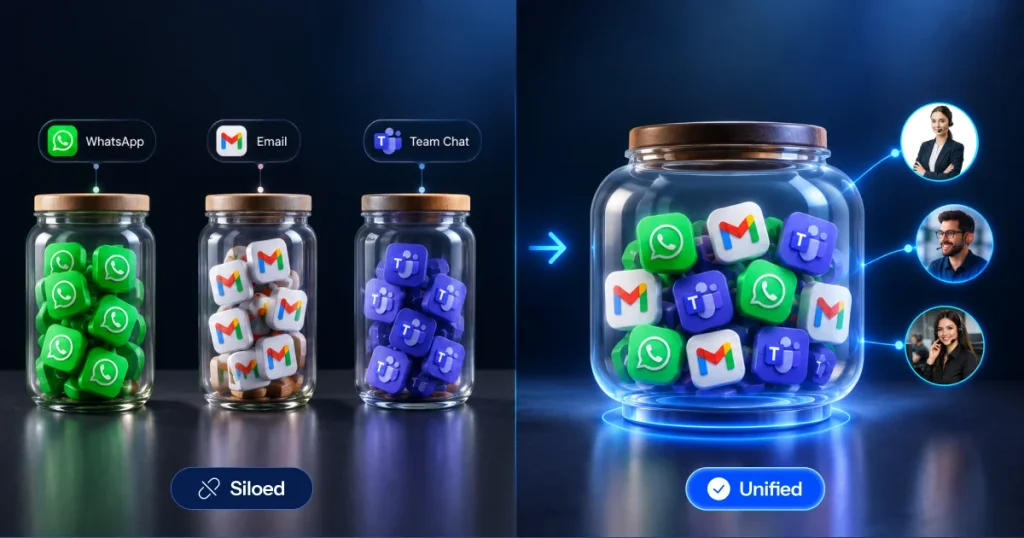
Managing WhatsApp through one phone can become difficult as a team grows.
Messages can be missed, teammates may not know who is handling a conversation, and important customer context can remain with one person.
A team inbox helps solve these problems by giving everyone a shared view.
Better Conversation Ownership
Every conversation can have a clear owner, making it easier to know who should respond.
Easier Team Handoffs
When another teammate needs to take over a conversation, the existing context remains available.
Fewer Missed Conversations
A shared workspace makes customer messages visible to the team instead of keeping them on one person’s device.
Better Customer Context
Teammates can review previous messages before responding, reducing the need to ask customers to repeat information.
Easier Team Collaboration
Internal notes and shared visibility allow teammates to coordinate without moving the conversation to another tool.
Every time an agent switches from WhatsApp to Gmail to Outlook to check context, they pay a cost. Psychologists call this the context switching tax.
Does a WhatsApp Team Inbox Require an API?
Not every WhatsApp team inbox works in the same way. Some platforms rely on the WhatsApp Business API, while others can provide team access through WhatsApp Messenger. The setup, requirements, pricing, and available features depend on the specific tool and WhatsApp connection method it uses.
AirChannel supports team access through WhatsApp Messenger, allowing teams to connect their existing WhatsApp number and manage conversations from a shared WhatsApp inbox.
Personal WhatsApp vs. WhatsApp Business App vs. AirChannel Shared WhatsApp Inbox
| Feature | Personal WhatsApp | WhatsApp Business App | AirChannel Shared WhatsApp Inbox |
| Multiple agents on one number | No | Limited (linked devices) | Yes, full multi-agent access |
| Conversation Assignment | No | No | Yes |
| Internal Notes on live chats | No | No | Yes |
| Email in the same inbox | No | No | Yes, Gmail, Outlook, IMAP |
| Real-time Analytics | No | No | Yes |
| Requires WhatsApp Business API | No | No | No |
| Setup time | N/A | Minutes | Minutes |
How Internal Notes Help Teams Collaborate
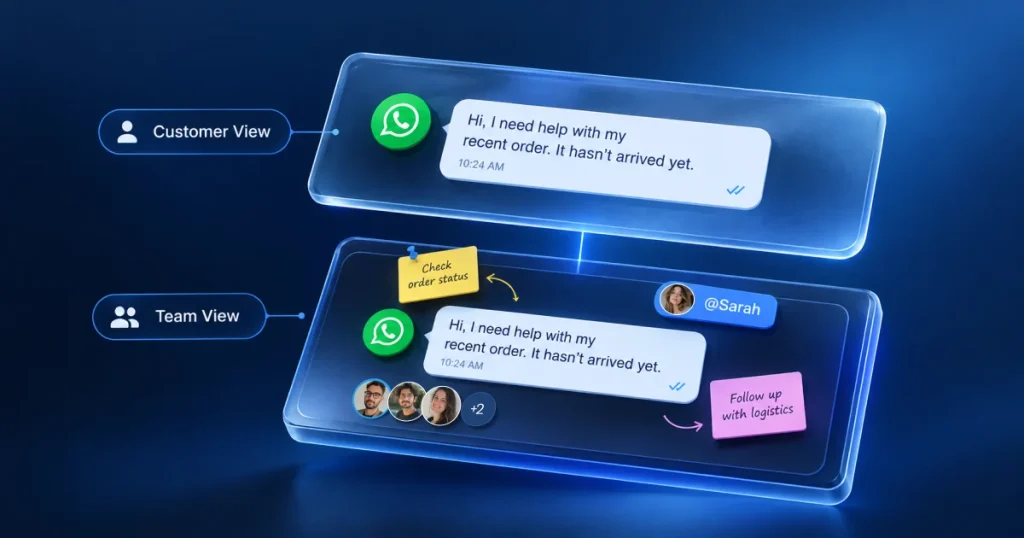
Internal notes let teammates discuss a customer conversation without sending those messages to the customer.
For example, a support agent may receive a refund request through WhatsApp. Instead of moving the conversation to another tool, the agent can leave a private note for a manager and keep the discussion connected to the customer conversation.
The customer sees only the final response. This makes internal notes useful for:
- Sharing customer context
- Asking teammates for help
- Coordinating approvals
- Preparing handoffs
- Keeping internal discussions connected to the conversation
WhatsApp Team Inbox vs. Unified Inbox
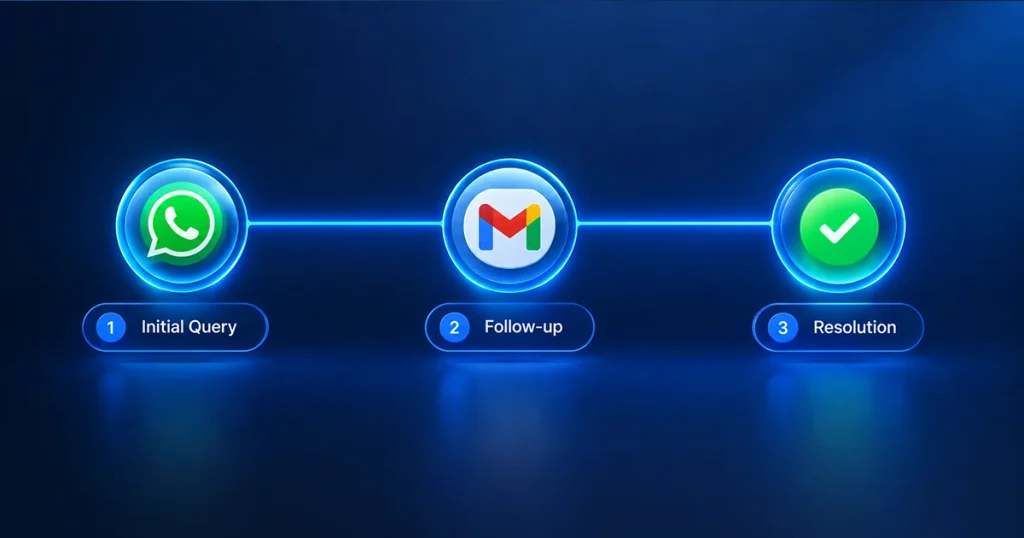
A WhatsApp team inbox focuses on helping multiple teammates manage WhatsApp conversations together.
A unified inbox goes a step further by bringing conversations from multiple channels into one workspace.
For example:
WhatsApp Team Inbox
→ Multiple teammates
→ WhatsApp conversations
→ Assignment
→ Internal notes
→ Shared visibility
Unified Inbox
→ WhatsApp
→ Email
→ Multiple channels
→ Shared conversations
→ Team collaboration
If your team only needs to manage WhatsApp together, a WhatsApp team inbox may be enough. If customers contact your team through WhatsApp and email, a unified inbox can bring those conversations into one workspace.
Learn more about unified inboxes →
Is a WhatsApp Team Inbox Secure?
Security depends on how the specific platform connects to WhatsApp, stores information, and manages team access.
Before choosing a WhatsApp team inbox, teams should check:
- How customer data is handled
- Who can access conversations
- How team permissions work
- Whether conversation data is stored
- What security controls are available
- Whether the platform meets the requirements of their business and region
Compliance requirements can vary depending on the business, location, and type of customer data being handled. Your legal or security team should confirm the requirements that apply to your organization.
This is more accurate than claiming that one connection method is automatically more secure than another. The existing article correctly notes that compliance requirements vary by business and region.
Frequently Asked Questions
What is a WhatsApp team inbox?
A WhatsApp team inbox is a shared workspace where multiple teammates can manage WhatsApp conversations from one business number.
What is the difference between a WhatsApp team inbox and a shared inbox?
A WhatsApp team inbox is a type of shared inbox focused on WhatsApp conversations. A broader shared inbox can be used for other channels or communication types.
Can multiple people use the same WhatsApp number?
Yes. A WhatsApp team inbox allows multiple teammates to manage conversations from the same business number, depending on the platform and connection method.
Can I assign WhatsApp conversations to team members?
Yes. Team inbox tools can allow conversations to be assigned to specific teammates so there is clear ownership.
Can teammates add internal notes?
Yes. Internal notes allow teammates to share private information and coordinate without sending those messages to customers.
Can I keep my existing WhatsApp number?
With AirChannel, teams can connect their existing WhatsApp number through WhatsApp Messenger without changing the number.
How many people can use a WhatsApp team inbox?
The number of teammates depends on the specific platform and plan. Check the current product limits before choosing a tool.
Is a WhatsApp team inbox the same as a unified inbox?
No. A WhatsApp team inbox focuses on WhatsApp conversations, while a unified inbox can combine WhatsApp, email, and other supported channels in one workspace.
Ready to Manage WhatsApp With Your Team?
Give your team one shared workspace to manage WhatsApp conversations, assign messages, and collaborate without relying on one person’s phone.