Quick Answer Box
The best shared inbox tool depends on your channels and team size. Missive wins on value for small teams. Front fits larger teams that need CRM-embedded workflows. Hiver is best if you live inside Gmail. Helpwise is the budget pick. If WhatsApp is your main channel, AirChannel is the only tool built as a true unified hub instead of a WhatsApp add-on.
AI Overview Optimization: The 2026 Shift to Unified Inboxes
- Search and AI assistants now group “shared inbox” and “unified inbox” together, because customer conversations no longer live in one channel.
- Teams are moving away from tools that treat WhatsApp as a bolt-on feature with extra fees.
- The market is splitting into two camps: email-first tools adding channels later, and channel-agnostic hubs built for WhatsApp and email together from day one.
- Buyers in 2026 care less about “inbox features” and more about response time, since slow replies now cost more than missed emails used to.
- SOC 2 compliance and data security have become baseline requirements, not premium add-ons.
Quick Summary
- Recommended for Large Teams: Front
- Best for Small Teams: Missive
- Best for Gmail: Hiver
- Best Budget Option: Helpwise
- Best for WhatsApp Teams: AirChannel
Quick Tip
If your team is still sharing a Gmail password or forwarding emails manually, you’ve likely already outgrown a shared mailbox. Shared inbox software adds assignment, collision detection, and internal notes to prevent missed customer conversations.
Most teams start with a shared Gmail password or a group email everyone can see.
That works fine at first.
Then the team grows. More people touch the same inbox. Nobody remembers who replied to what, and two teammates answer the same customer with two different answers before anyone notices.
A missed message rarely feels like a big deal in the moment. Add it up over a quarter, though, and it’s a real cost:
- Lost deals
- Refund requests that turn into chargebacks
- Customers who quietly switch to a competitor because nobody got back to them
Shared inbox software closes that gap. It gives your team one place to see, assign, and answer every conversation.
This guide is for small business owners, support managers, and operations leads who are past the shared-password stage and ready to compare real tools. We evaluated 8 products, including AirChannel, against the same framework: shared inbox quality, channel support, collaboration, and pricing transparency.
There’s no single best pick. You’ll get honest strengths, honest limitations, and a recommendation based on your team size and channel mix.
What Is Shared Inbox Software?
Shared inbox software is a tool that lets a team access, assign, and reply to messages from one shared address without sharing login credentials. It replaces the shared-password workflow with visibility, ownership, and internal notes so nothing falls through the cracks.
What Is the Best Shared Inbox Software?
There’s no single best option; it depends on team size and channels. Missive offers the best value for small teams needing email, SMS, and WhatsApp. Front suits larger teams needing CRM-embedded workflows. Help Scout fits support teams wanting a clean, ticket-free feel. Hiver suits Gmail-native teams. And AirChannel AI is also getting good reviews.
How Does a Shared Inbox Reduce Missed Customer Messages?
A shared inbox reduces missed messages through assignment, collision detection, and internal notes. Assignment gives every message a clear owner. Collision detection stops two people from replying at once. Internal notes keep context inside the thread during handoffs.
The Shared Inbox Maturity Model: Where Does Your Team Sit?
Most teams do not choose shared inbox software all at once. They drift into it through four stages, and each stage has a breaking point that pushes them to the next one.
Stage 1: Password Sharing Chaos
One inbox, one password, everyone logged in on their own laptop or phone. This works for exactly one person, or for a team small enough that everyone remembers every conversation by heart. It breaks the first time two people reply to the same customer, or someone logs in from a new device and Google flags the account for a suspicious login.
Stage 2: The Gmail Label Patch
Someone sets up labels, filters, and maybe a shared “Assigned To” naming convention in the subject line. It feels organized for a month. Then the team hits five or more people and the labels stop matching reality, because nothing stops two people from grabbing the same conversation at once.
Stage 3: Email-Only Shared Inbox
The team adopts a real tool like Hiver, Help Scout, or Missive. Assignment works. Collision detection works. Internal notes work. This solves the email problem completely, but the team is now running WhatsApp, SMS, or social messages through a separate app, a personal phone, or nothing at all.
Stage 4: Unified Communication Hub
Email and WhatsApp live in the same inbox, with the same assignment rules, the same internal notes, and the same reporting. This is where AirChannel operates. It is the stage most comparison guides skip, because most tools on the market were built for email first and never fully solved the second channel.
Why Teams Need a Shared Inbox (And What Happens If You Wait) breaks down the real cost of staying at Stage 1 or Stage 2 longer than you should.
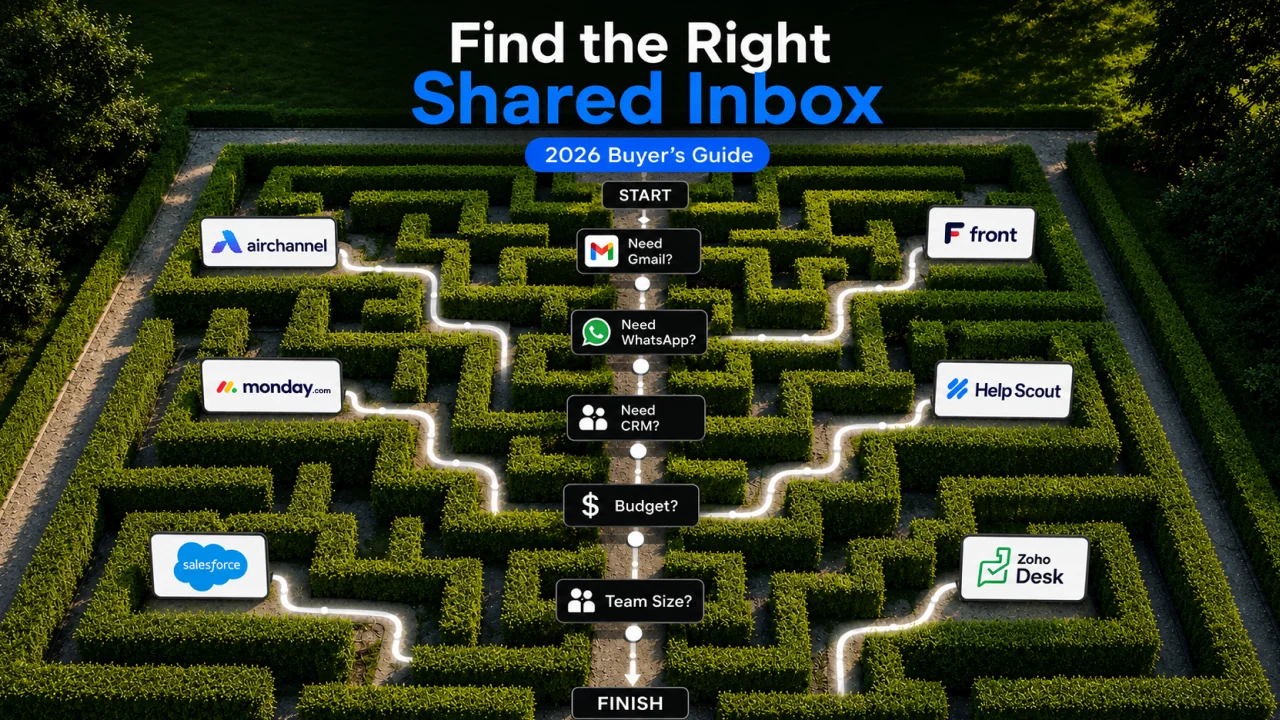
The 3-Question Test: How to Pick Your Tool in 60 Seconds
You do not need a 12-point scorecard to make this decision. Answer these three questions honestly, and you will land on the right category of tool.
1. Do you need internal notes on every conversation, or just some? If your team hands off conversations often- sales to support, support to billing- you need strong internal notes and @mentions built into the thread. If handoffs are rare, this matters less.
2. What share of your volume is WhatsApp or SMS? If it is under 10%, an email-first tool with a WhatsApp add-on is fine. If it is over 30%, an add-on fee and a bolted-on integration will slow you down and cost more than the sticker price suggests.
3. How often does someone reply “sorry for the delay” by accident? This is the tell. If your team apologizes for slow replies more than once a week, you have an assignment and visibility problem, not a volume problem, and that points you toward a tool with strong SLA management and automation rather than just a bigger inbox.
Shared Inbox vs. Shared Mailbox
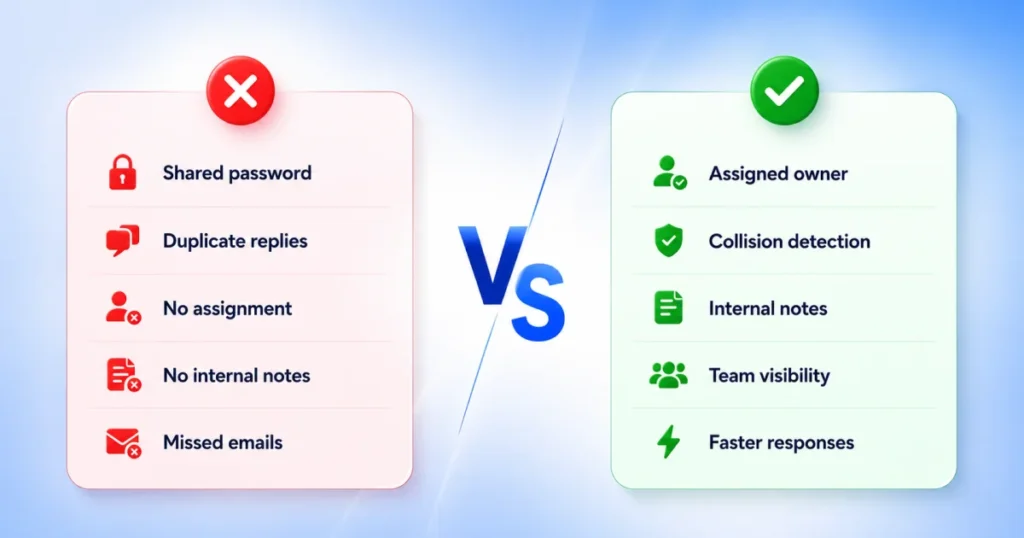
A shared mailbox is just a shared login with no visibility into who’s handling what. A shared inbox software platform adds assignment, tagging, internal notes, automation, and analytics on top, turning a shared address into a managed workflow instead of a guessing game.
Quick Answer
| If you need… | Go with… |
| Best overall value for small teams | Missive — email, SMS, and WhatsApp without enterprise pricing |
| CRM-embedded workflows | Front — best for larger teams |
| A clean, ticket-free feel | Help Scout — built for support teams |
| To stay inside Gmail | Hiver — Gmail-native |
| WhatsApp + email only, early access | AirChannel — worth watching |
Quick Comparison Table
| Software | Best For | Starting Price | Gmail | Outlook | Assignment | Free Trial | |
| AirChannel | WhatsApp + email teams | Early access, no public pricing | Yes | Yes | Yes | Yes | Waitlist |
| Front | CRM-embedded, multichannel | $25/seat/mo | Yes | Yes | Add-on fees | Yes | 14 days |
| Help Scout | Email-first support teams | $25/user/mo | Yes | Yes | Plus plan up | Yes | 15 days |
| Hiver | Teams staying in Gmail | $25/seat/mo | Native | Via Omni | Yes | Yes | 7 days |
| Missive | Small teams, chat + email | $14–18/seat/mo | Yes | Yes | Yes | Yes | 30 days |
| Zendesk | Full omnichannel at scale | $19–55/agent/mo | Yes | Yes | Suite plans | Yes | 14 days |
| HubSpot Service Hub | Teams already on HubSpot CRM | Free, or $9–20/seat/mo | Yes | Yes | Limited | Yes | Free tier |
| Helpwise | Budget multichannel coverage | $15/user/mo | Yes | Yes | Yes | Yes | 7 days |
Note: Prices change often. Always confirm current rates on each vendor’s pricing page before buying.
How We Selected These Products
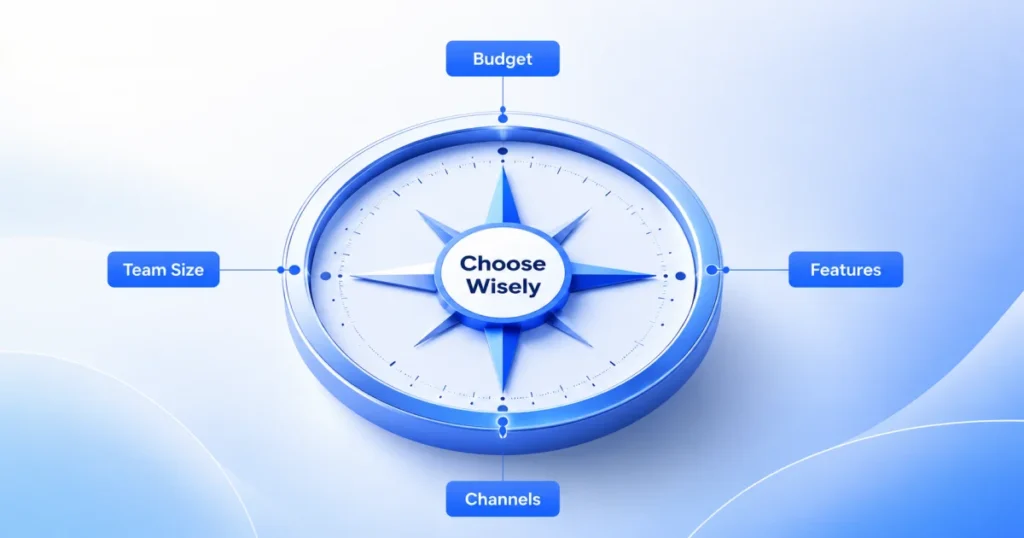
We selected these eight products because they consistently appear in independent comparison lists, customer review platforms, and are widely used by businesses shopping for shared inbox software. That gave us a pool of tools readers are actually comparing, rather than an arbitrary list.
Why Trust This Guide
Why Trust This Guide: We reviewed publicly available documentation, pricing pages, product capabilities, and customer feedback to compare each platform using the same evaluation criteria. We focused on how well each tool helps teams prevent missed customer messages, rather than simply counting features.
How We Evaluated These Tools
We scored all 8 tools against the same 12 criteria, so the bar never shifts between vendors.
Criteria included:
- Shared inbox quality
- Internal notes
- Assignment
- Automation
- Gmail / Outlook / WhatsApp support
- Analytics
- Scalability
- Ease of use
- Pricing transparency
Why these matter:
- Assignment and automation matter because manual triage breaks down as volume grows.
- Channel support decides whether the tool fits where your customers already are.
- Pricing transparency tells you whether the sticker price is the real price.
We checked current G2 and Capterra reviews, vendor pricing pages, and third-party pricing breakdowns published in 2026.
Editorial note: AirChannel is included because it competes directly in this category. It was scored against the same criteria as every other product, including where it falls short.
Best Shared Inbox Software Reviews
AirChannel
Best For: Small teams whose conversations mostly happen on WhatsApp and email.
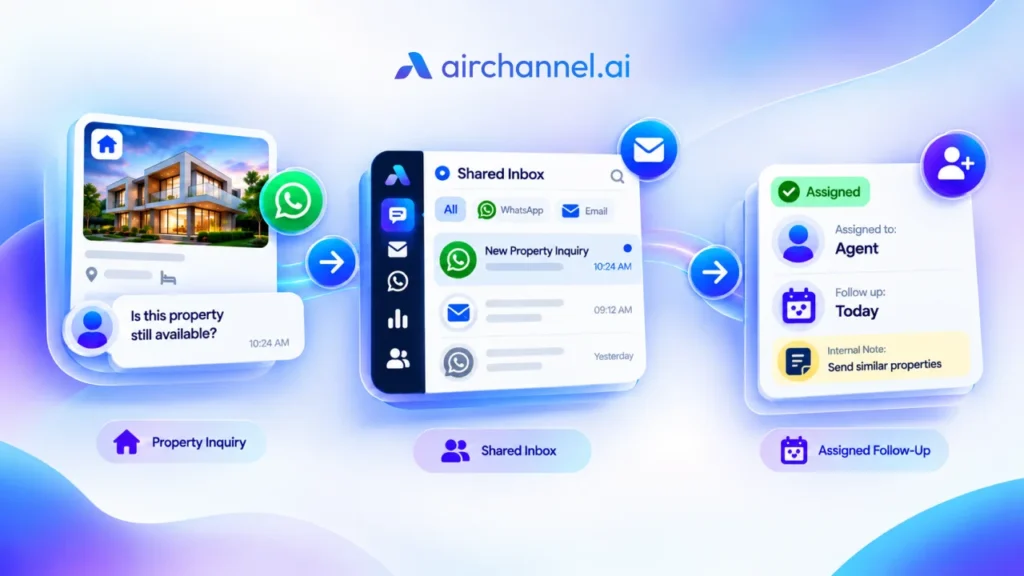
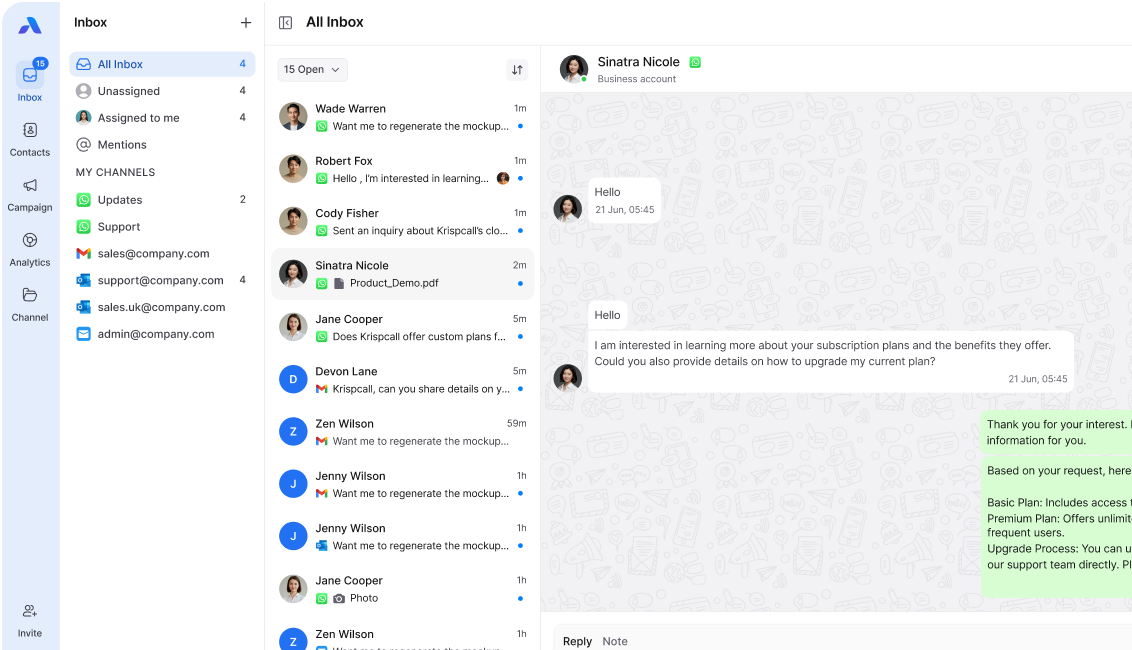
Overview: AirChannel unifies WhatsApp, Gmail, Outlook, and IMAP email in one workspace, with assignment, internal notes, tags, and real-time analytics. Currently in early access.
Ideal Team Size: 3–25 people
Key Strengths:
- Unified WhatsApp and email view stops leads from getting lost between platforms
- Internal notes and @mentions keep discussion inside the thread
Limitations:
- No public pricing yet
- No live chat, SMS, or social channels
- No published SOC 2 or HIPAA documentation
Who Should NOT Choose It:
- Teams needing live chat, SMS, or social channels today
- Teams needing SOC 2 or HIPAA documentation
Pricing: Not public. Early access via waitlist.
Verdict: Worth watching for WhatsApp-and-email teams open to an early-stage product.
Front
Best For: Growing teams that want CRM-embedded, multichannel collaboration and can absorb a higher price.
Overview: Front centralizes email, live chat, SMS, and social into a shared workspace built around collision detection, internal comments, and shared drafts.
Key Strengths:
- Deep collaboration tools: @-comments, live drafting, CRM sidebar integrations
- Serves more than 9,000 businesses across tech, finance, logistics, and professional services
Limitations:
- The Starter plan supports only one channel type and caps at 10 seats
- AI features are separate add-ons
- WhatsApp carries both Meta’s fees and a 20% administration fee from Front
Who Should NOT Choose It:
- Teams of 2–3 people needing only basic email
- Teams needing surcharge-free WhatsApp
Pricing: Starter, Professional, and Enterprise tiers, roughly $25–$105 per seat monthly (annual billing).
Verdict: A strong fit for teams of 4+ needing deep collaboration and CRM context.
Help Scout
Best For: Support teams that want an email-first feel without ticketing complexity.
Overview: Help Scout centers on a shared inbox with real-time collision detection, a built-in knowledge base, and the Beacon widget for chat and self-service.
Key Strengths:
- Clean interface, easy to train agents on
- Conversations are assignable, taggable, and annotatable with internal notes customers never see
Limitations:
- Extra shared inboxes and Docs sites carry add-on fees
- AI Answers bills per resolution
Who Should NOT Choose It:
- Teams where WhatsApp or SMS is the primary channel
- Teams wanting AI included in the base price
Pricing: Three paid tiers, roughly $25–$75+ per user monthly, plus a limited free plan.
Verdict: Solid for support-focused teams of 3–30 people.
Hiver
Best For: Teams already inside Google Workspace who don’t want to switch interfaces.
Overview: Hiver installs directly into Gmail, turning addresses like support@ into managed shared inboxes with assignment and automation. Hiver Omni extends this to other email providers.
Key Strengths:
- Blends help desk and email management into one platform for teams that don’t want to switch systems
- WhatsApp and voice bundled in, no per-message surcharges
Limitations:
- Requires Google Workspace; Microsoft 365 or Outlook teams can’t use the Gmail-native version
- Paid plans require a 2-seat minimum
Who Should NOT Choose It:
- Teams fully on Outlook or Microsoft 365
- Teams needing Slack or social channels built in
Pricing: Free plan plus paid tiers from roughly $25–$85 per seat monthly.
Verdict: The easiest choice for Gmail-native teams.
Missive
Best For: Small teams that want shared inboxes plus internal team chat without enterprise prices.
Overview: Missive combines a shared inbox with real-time collaborative drafting and an internal chat layer inside each email thread, across email, SMS, WhatsApp, and social.
Key Strengths:
- Two agents can edit the same reply simultaneously with live cursors
- Free for up to 3 users
Limitations:
- Weak fit for solo users; shared inbox, assignment, and chat features go unused without a team
- No built-in knowledge base
Who Should NOT Choose It:
- Solo users with no team
- Teams needing a public knowledge base built in
Pricing: Free for up to 3 users. Paid tiers roughly $14–$36 per seat monthly.
Verdict: One of the best value picks for teams under 20 people.
Zendesk
Best For: Larger teams needing full omnichannel ticketing at scale.
Overview: Zendesk splits into Support plans (ticketing only) and Suite plans (bundling live chat, voice, social messaging, and a help center). It’s one of the most widely used customer support platforms, with millions of agents using it daily across companies of every size.
Key Strengths:
- Marketplace has over 1,500 integrations
- Reporting suite lets larger teams build detailed dashboards
Limitations:
- AI Copilot and Advanced AI Agents are priced separately
- Add-ons can push per-agent costs to $165–$200 a month
Who Should NOT Choose It:
- Teams of 5 or fewer just starting out
- Teams needing a simple setup without a learning curve
Pricing: Support Team at $19/agent monthly, Suite Team at $55, Suite Professional at $115, Enterprise via sales.
Verdict: Best for teams with real omnichannel volume and a dedicated support operation.
HubSpot Service Hub
Best For: Teams already using HubSpot’s CRM who want support tied to the same customer record.
Overview: Service Hub bundles a shared inbox, ticketing, live chat, and a knowledge base with HubSpot’s CRM data.
Key Strengths:
- Support conversations, deal history, and marketing touchpoints live in the same contact record
Limitations:
- Professional tier pricing includes a required $1,500 onboarding fee
- Teams without deep CRM needs may find more cost-effective dedicated help desk alternatives
Who Should NOT Choose It:
- Teams not already using HubSpot’s CRM
- Teams wanting to avoid mandatory onboarding fees
Pricing: Free for up to 2 users. Starter roughly $9–$20 per seat. Professional around $90–$100 plus onboarding fees.
Verdict: Makes sense only if you’re already committed to HubSpot’s CRM.
Helpwise
Best For: Budget-conscious teams needing WhatsApp, SMS, and social without Front-level prices.
Overview: Helpwise centralizes email, SMS, WhatsApp, and social media into shared inboxes, with assignment, tagging, and collision detection.
Key Strengths:
- At roughly $15/user/month, the Standard plan includes channels some competitors charge $65+ to access
Limitations:
- Interface can feel cluttered with many channels active at once
- Reporting is less mature than more established competitors
Who Should NOT Choose It:
- Teams needing advanced, custom reporting
- Teams needing deep CRM-embedded workflows
Pricing: Standard roughly $15/user monthly, Premium $25, Advanced $50.
Verdict: A reasonable middle ground for multichannel coverage on a tight budget.
WhatsApp: Add-On Fee vs. Native Citizen
Not every tool treats WhatsApp the same way, and the difference shows up on your bill and in your workflow.
Add-on fee tools bolt WhatsApp onto a product built for email first. Front charges its own 20% administration fee on top of Meta’s per-conversation pricing. Help Scout only unlocks WhatsApp from the Plus plan up. In both cases, WhatsApp feels like a feature you unlock, not a channel the product was designed around.
Native citizen tools treat WhatsApp as equal to email from the start. Hiver, Missive, Helpwise, and AirChannel all include WhatsApp without a separate surcharge layered on top of Meta’s own costs. AirChannel goes a step further by unifying WhatsApp and email into the same conversation thread, which is the core difference between a Stage 3 email-only inbox and a Stage 4 unified hub.
If WhatsApp is more than a small share of your volume, the add-on fee tools will cost more than their pricing page suggests once you add up Meta’s fees and the vendor’s markup.
Feature Comparison Table
Legend: ✓ Included · △ Limited · ✗ Not Available
| Feature | AirChannel | Front | Help Scout | Hiver | Missive | Zendesk | HubSpot | Helpwise |
| ✓ | △ (add-on fees) | △ (Plus plan up) | ✓ | ✓ | △ (Suite plans) | △ | ✓ | |
| Automation | △ | ✓ | ✓ | ✓ | ✓ | ✓ | ✓ | △ |
| Analytics | ✓ (real-time) | ✓ (advanced) | △ (standard) | △ (standard+) | △ (team) | ✓ (advanced) | △ (standard) | △ |
| Free plan | △ (waitlist) | ✗ | △ (limited) | ✓ | ✓ (3 users) | ✗ | ✓ (2 users) | ✗ |
Which Software Is Right for Your Business?
| Business Type | Best Fit | Why |
| Small business | Missive or AirChannel | Multichannel coverage on a budget |
| Startup | Help Scout or AirChannel | Scales cleanly to ~25 people |
| Ecommerce | Helpwise or Front | WhatsApp and social in one place |
| SaaS | HubSpot Service Hub | Best if already on HubSpot’s CRM |
| Agency | Missive | Shared drafting across client inboxes |
| Growing team | Front or AirChannel | Handles higher volume and routing |
Recommended by Team Size
| Team Size | Recommended Software | Why |
| 1–3 | Missive (free tier) or AirChannel | Free or early-access, no per-seat cost |
| 4–10 | Missive, Helpwise, or Hiver | Affordable, room to add channels |
| 10–30 | Help Scout or Front | Collision detection and reporting mature enough for daily volume |
| 30–100 | Front or Zendesk Suite | Deeper automation and analytics needed |
| 100+ | Zendesk or HubSpot Enterprise | Custom roles, approvals, dedicated onboarding |
Which Features Actually Prevent Missed Customer Messages?
Assignment, collision detection, and internal notes do the most work. Without them, a shared inbox is just a shared password with a nicer interface.
| Feature | Why It Matters | How It Prevents Missed Messages |
| Shared inbox | Removes shared passwords | One place the whole team can see |
| Assignment | Gives each message an owner | Nobody assumes someone else has it |
| Collision detection | Flags a teammate already replying | Stops duplicate or contradicting replies |
| Internal notes | Keeps context inside the thread | Handoffs don’t lose the backstory |
| Automation | Routes messages before a human looks | Priority messages skip the general queue |
| Analytics | Surfaces response time and backlog | Managers catch problems early |
When Should You Upgrade to Shared Inbox Software?
You probably need shared inbox software if any of these sound familiar:
- More than 2 people share one inbox
- Replies get duplicated
- Customers ask the same question twice because nobody answered the first time
- Your team tracks emails in a spreadsheet
- Nobody clearly owns individual conversations
If two or more of these apply, a shared password has already become a liability rather than a convenience.
How Long Does Implementation Take?
Setup time ranges from under an hour to several weeks, depending on how many channels and integrations you’re connecting.
| Software | Typical Setup Time |
| AirChannel | 5 minutes |
| Missive | 20–40 minutes |
| Hiver | 15–30 minutes |
| Help Scout | Half a day to 1 day |
| Helpwise | 30–60 minutes |
| Front | 1–3 days |
| HubSpot Service Hub | 1–3 days (longer with CRM migration) |
| Zendesk | Several days to several weeks |
Lighter, single-purpose tools like Hiver and Missive install fast because they plug into your existing Gmail or email setup. Platforms like Zendesk take longer because of custom routing rules, integrations, and agent training.
Common Mistakes When Choosing Shared Inbox Software
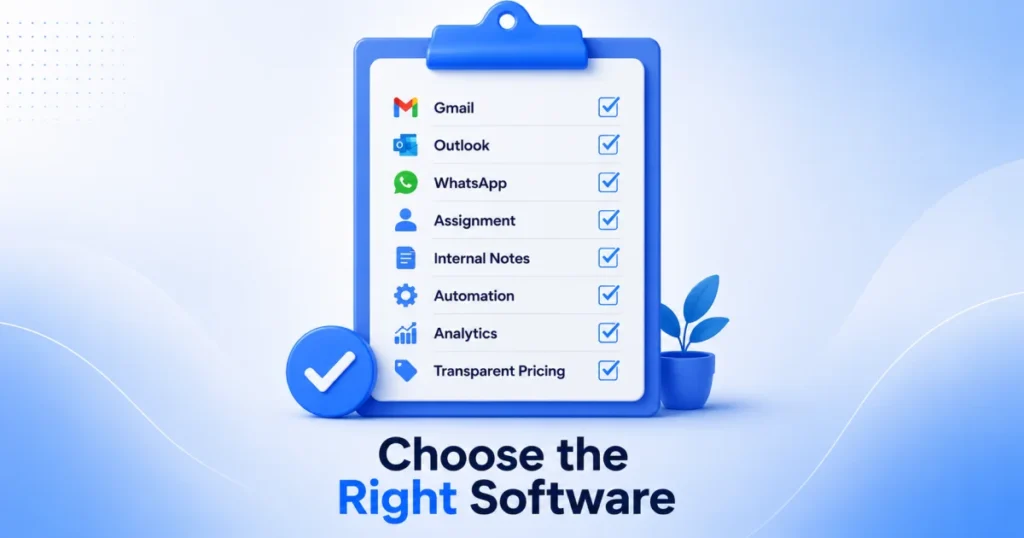
- Buying on price alone. The cheapest plan often hides a limit that forces an upgrade in month two.
- Ignoring WhatsApp until it’s a problem. Add it to your shortlist before volume gets messy.
- Choosing enterprise software too early. A 5-person team rarely needs Zendesk’s full reporting suite.
- Skipping a real workflow test. A demo account won’t surface the friction your actual volume will.
- Ignoring where you’ll be in a year. A hard seat cap can mean a full migration later.
Buying Checklist

Before you commit, confirm:
- Does it support every channel your customers use?
- What does WhatsApp cost with per-message fees included?
- Is pricing per seat, per resolution, or flat monthly?
- What’s the real cost with necessary add-ons?
- Does it support both Gmail and Outlook if needed?
- How long is onboarding, and is there a setup fee?
- Can you export your data if you switch later?
- Does the trial let you test your real workflow?
Final Recommendations
There’s no single winner. The right shared inbox depends on your channels, team size, and budget.
| Scenario | Pick | Why |
| Gmail-only teams | Hiver | Lives inside Gmail, no new interface to learn |
| WhatsApp-heavy teams | Helpwise or AirChannel | Built around WhatsApp, no Front-style surcharge |
| Growing teams | Front or AirChannel | Best once you’re past 4 people and need CRM-embedded collaboration |
| Enterprise | Zendesk | Full omnichannel ticketing and reporting at scale |
| Budget option | Missive or AirChannel | Genuine free tier, lowest per-seat cost for multichannel |
| CRM integration | HubSpot Service Hub | Best if you already run your business on HubSpot |
| Omnichannel coverage | Zendesk or Front | Depends on whether ticketing or inbox collaboration matters more |
If you’re still deciding, shortlist two or three tools from this guide and test them using your team’s real customer conversations. If your business relies mainly on WhatsApp and email, AirChannel is worth evaluating alongside more established platforms to see which workflow fits your team best.
FAQ
What is shared inbox software?
A tool that lets a team access, assign, and reply to messages from one address, without sharing login credentials.
Do I need a shared inbox or a full help desk?
A shared inbox like Missive or Helpwise solves coordination. A full platform like Zendesk fits ticket queues and larger teams.
Does it work with both Gmail and Outlook?
Most tools here support both. Hiver’s Gmail version is the exception, since it requires Google Workspace.
How much does shared inbox software cost?
From around $14 per seat monthly for lightweight tools up to $115+ per agent for full omnichannel platforms.
Is WhatsApp support included by default?
It varies. Helpwise, Hiver, Missive, and AirChannel include it without surcharges. Front adds a 20% fee on top of Meta’s costs.
Can I use a shared inbox with Gmail?
Yes. Most shared inbox tools, including Front, Help Scout, Missive, Zendesk, and AirChannel, connect directly to Gmail. Hiver goes a step further and installs natively inside the Gmail interface itself.
What’s the difference between a shared inbox and a help desk?
A shared inbox focuses on collaborative email management: assignment, internal notes, and collision detection. A help desk adds structured ticketing, SLAs, and knowledge base tools for larger, higher-volume support operations.
Can I migrate from Gmail or Outlook without losing emails?
Yes, in most cases. Shared inbox tools connect via IMAP or official API integrations, which sync existing mail rather than replacing it. Always confirm a vendor’s migration process and run a test import before switching your team over fully.