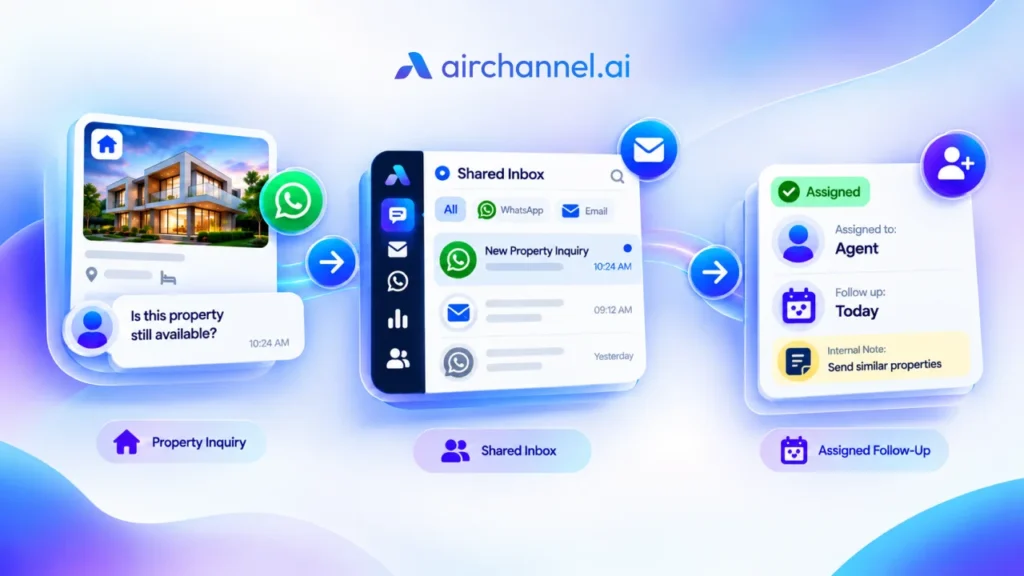
Quick Answer: To reduce first response time, centralize WhatsApp and email into one inbox, use instant conversation assignment so no ticket sits unclaimed, and rely on internal notes to get quick help without leaving the screen. These three moves cut the tab-switching, double-work, and shoulder-tapping that slow most support teams down.
Key Takeaways
- A unified inbox eliminates constant tab-switching between channels.

- Clear conversation assignment gives every message an owner the moment it arrives.

- Internal notes keep collaboration inside the ticket instead of a separate Slack thread.

- SLA monitoring with visual alerts stops tickets from falling through the cracks.

- Shared inboxes let your whole team handle high volume without stepping on each other.
If your first response time keeps creeping up, the problem is probably your workflow, not your team. Agents juggling five tabs and a Slack channel full of “can you check this?” messages will always be slow, no matter how hard they work.
Fix the workflow first. Speed follows on its own.
If you’ve already spent time identifying why your team is replying slowly, you know that the bottleneck usually isn’t your people. It’s your process.
Before we dive into the fixes, remember that speed isn’t just about making people happy. There is a direct impact of response time on sales; the faster you reply, the higher your conversion rate.
FRT vs. TFMR: Why “Meaningful” Beats “Fast”
First response time (FRT) counts any reply, even an automated one. Time to First Meaningful Response (TFMR) only counts a reply that actually addresses the customer’s question.
A canned “Thanks for reaching out!” helps your FRT number but does nothing for the person waiting. If you only chase FRT, you can hit your target while customers still feel ignored. TFMR is closer to what people actually remember about your support.
Strategy 1: Kill the Swivel-Chair Effect
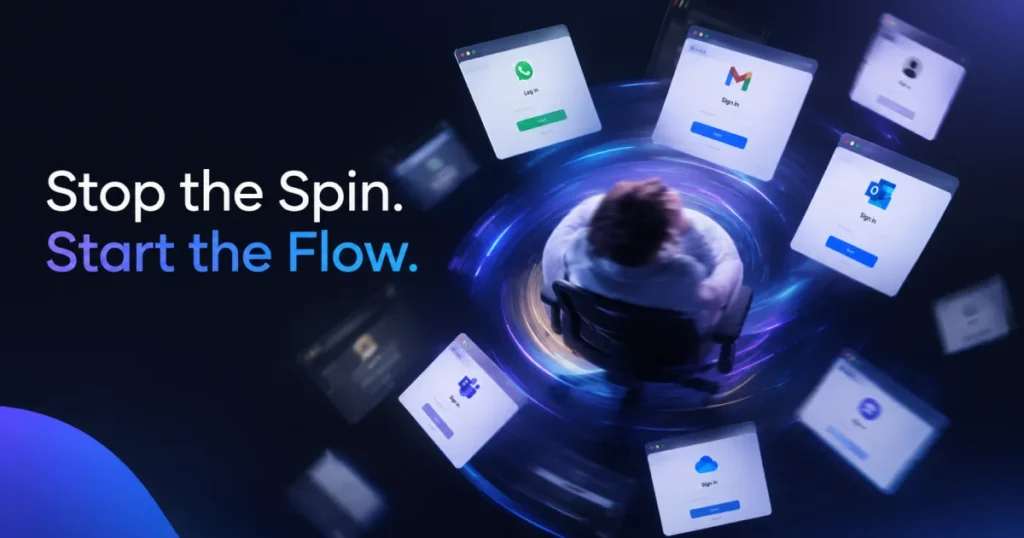
The swivel-chair effect happens when agents spin between separate tools all day. One tab for WhatsApp, another for a shared email inbox, a third for Instagram DMs. Every switch burns a few seconds, and those seconds pile up fast during a busy shift.
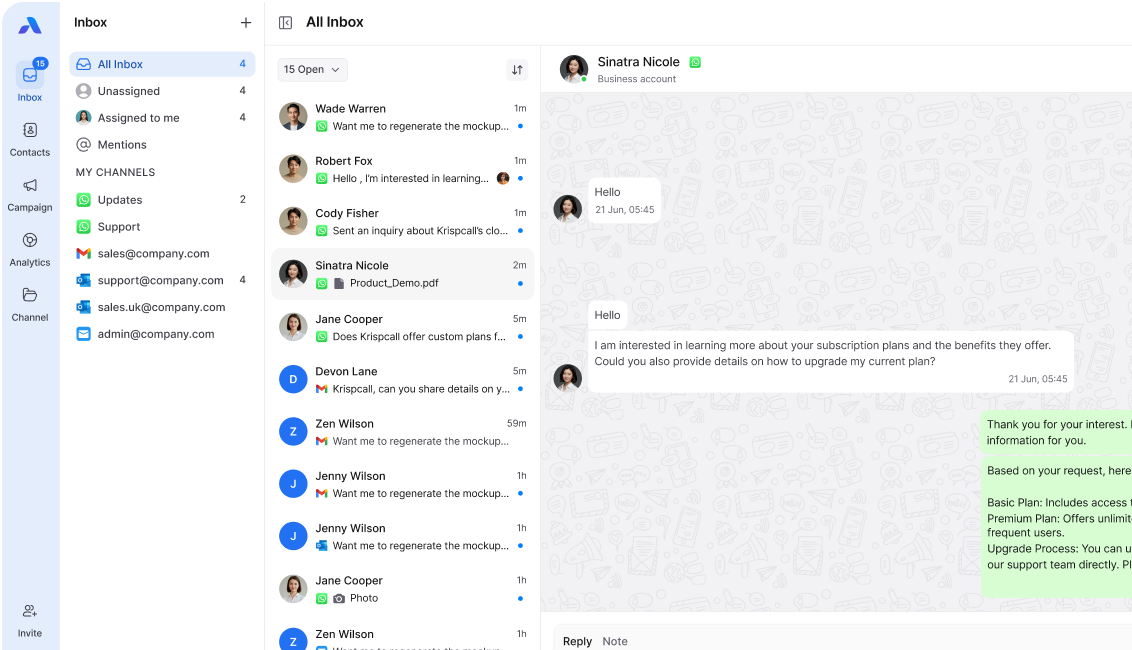
A unified inbox pulls every channel into one screen. Agents stop hunting for where a message lives and just start replying.
Tired of the tab-switching dance? See how AirChannel’s Unified Inbox brings your WhatsApp and Email into one calm, organized view.
Strategy 2: Use Clear Conversation Assignment
In a busy shared inbox, messages can bounce between agents with nobody sure who owns them. This is ticket bounce, and it’s one of the quietest killers of FRT. A customer message sits untouched because three people assume someone else already grabbed it.
Instant conversation assignment fixes this. The moment a message comes in, it gets a clear owner, so there’s no confusion and no double-work.
Strategy 3: Leverage Internal Notes for Speed
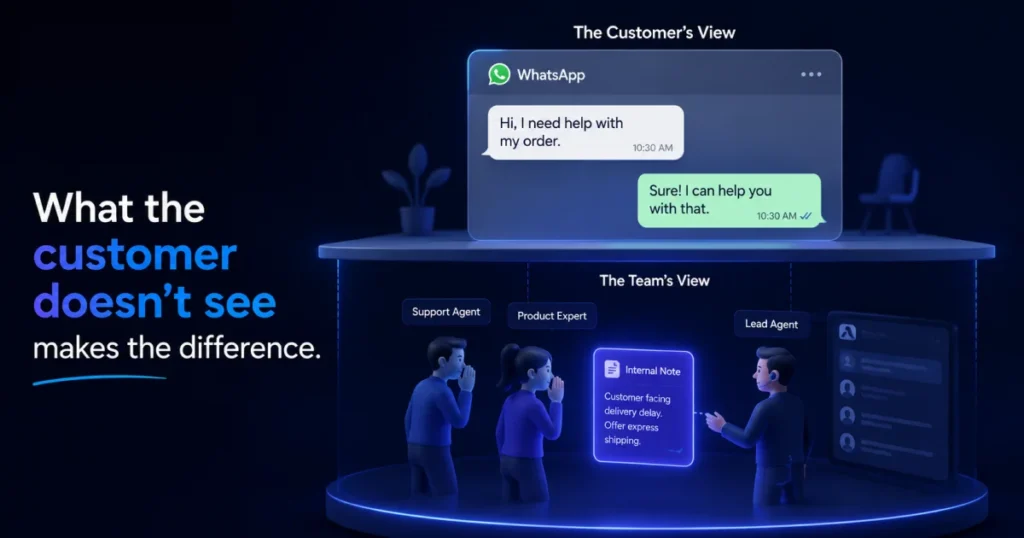
Shoulder-tapping a teammate on Slack to ask “what should I say here?” quietly wrecks FRT. The agent stops working the ticket, waits somewhere else for an answer, then has to switch back and remember where they left off.
Internal notes solve this by keeping the question inside the ticket itself. An agent tags a teammate right next to the customer’s message and gets an answer without ever leaving the screen. This is team collaboration without the meetings or long email chains.
Strategy 4: Set Up Strict SLA Timers
SLA management only works if agents can actually see it. A weekly report nobody reads until Friday won’t stop a ticket from slipping through the cracks today.
Visual alerts on each conversation show exactly how much time is left before a promise gets broken. When a timer turns yellow, someone notices. When it turns red, someone acts. This keeps your SLA hit rates honest in real time, not just on paper.
Strategy 5: Use Shared WhatsApp and Email Inboxes
A shared team inbox lets several agents work the same channel without stepping on each other. Nobody accidentally sends two different replies to the same customer, and nobody has to ask “did anyone already answer this?”
This matters most on WhatsApp, where one business number often serves an entire team. A true team inbox keeps everyone on the same page in real time.
Strategy 6: The VIP Tier Workflow
Not every message deserves equal priority. A high-intent lead asking about pricing shouldn’t wait behind someone asking about store hours.
Use buyer intent or account value to route your best leads straight to your best agents. Sentiment analysis adds another layer here, since it can flag a frustrated tone before an agent even opens the message, so an upset customer gets a senior agent instead of the next person in line.
Pro-Tip: Imagine a SaaS company during a product launch. By routing "Pricing" queries to a senior agent while "Login" issues go to a junior team, you protect your conversion rate under pressure.
This protects revenue without forcing anyone to manually judge who matters most in a busy queue.
Strategy 7: WhatsApp-Specific Speed Hacks
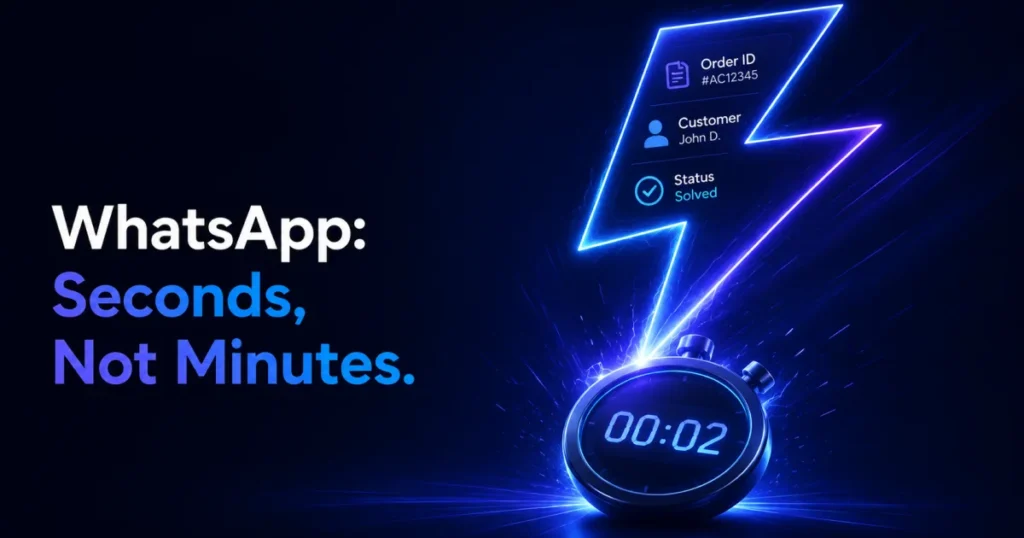
WhatsApp runs on a different clock than email. People expect a reply in seconds, not hours, because that’s how they use the app with friends and family. During volume spikes, that expectation doesn’t change, it just gets harder to meet.
Here are three hacks you can set up today:
- Pre-write your “first 10 seconds” replies. Build 3 to 5 quick-reply templates for your most common opening messages, like order status or business hours, so an agent can send something meaningful in one tap instead of typing from scratch.
- Turn on read receipts as a workload signal. If a message shows as read but sits unanswered for more than two minutes, route it to a manager’s view so it doesn’t get forgotten mid-shift.
- Cap active chats per agent during spikes. WhatsApp’s real-time feel breaks down fast if one agent is juggling 15 open threads. Set a hard limit, around 6 to 8 active conversations per agent, and let the extra volume route to the next available person instead of piling up.
These are small changes, but they keep your WhatsApp FRT close to the seconds-not-minutes expectation, even when the queue is full.
Strategy 8: Data-First Responses
Nothing slows an agent down like digging through a backend CRM mid-conversation to find a customer’s order history. Every extra search adds seconds to the response, and those seconds add up across hundreds of tickets a day.
Put customer history right next to the conversation view, so agents see order details, past chats, and account info without ever leaving the ticket.
Strategy 9: Standardize with Templates
Canned responses shave real time off the drafting window for common questions, things like shipping policies, return windows, or basic account help. Agents personalize the details instead of writing from a blank page every time.
This isn’t about sounding robotic. It’s about giving agents a fast starting point so they can spend their energy on empathy. As noted in the classic study The Psychology of Waiting Lines, ‘occupied time feels shorter than unoccupied time’, giving a customer a template reply immediately ‘occupies’ their wait and reduces frustration.”
Strategy 10: Triage During Volume Spikes
Volume spikes are where FRT usually falls apart. A manager watching the conversation view can spot urgent messages, angry customers, order problems, safety issues, and assign them ahead of routine questions.
This kind of active triage during a rush keeps your average response metrics steady even when ticket volume doubles overnight.
The Manual Workflow vs. The AirChannel Workflow
| The Manual Workflow (Swivel-Chair Effect) | The AirChannel Workflow (Unified Flow) | |
| Channels | Separate tabs for WhatsApp, email, Instagram | One unified inbox for every channel |
| Ownership | Messages bounce, unclear who owns what | Instant conversation assignment on arrival |
| Getting help | Shoulder-tapping on Slack | Internal notes inside the ticket |
| SLA tracking | Checked in a weekly report | Live visual alerts on every conversation |
| Customer data | Searching a separate CRM mid-chat | Customer history shown next to the conversation |
| Volume spikes | Reactive, first-come-first-served | Active triage from the conversation view |
Internal Collaboration Workflow
Here’s how internal notes and assignment work together to cut out meetings and long email chains.
- A message comes in and gets an instant owner through conversation assignment.
- The agent hits a question they can’t answer alone, maybe a refund policy edge case.
- Instead of Slack, they add an internal note tagging the right teammate, right inside the ticket.
- The teammate replies in the note thread without ever opening a separate app.
- The original agent sends the customer a meaningful response, still inside the same conversation.
No meeting. No separate email chain. No lost context.
The 5-Minute FRT Audit
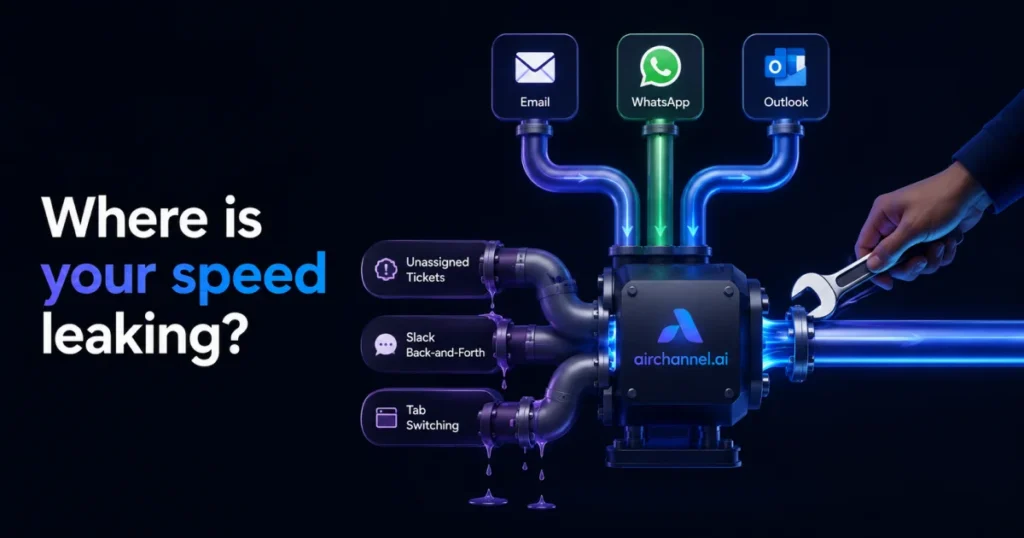
Use this checklist to find out if your bottleneck is Routing, Collaboration, or Tooling.
- Routing check: Do incoming messages get an owner immediately, or do they sit until someone happens to notice? If it’s the second one, you have a routing problem.
- Collaboration check: How often do agents leave the ticket to ask a teammate for help? Frequent Slack pings point to a collaboration problem.
- Tooling check: How many separate apps does one agent need to handle a single customer? More than two points to a tooling problem.
- SLA visibility check: Can agents see their SLA timer without opening a separate report? If not, that’s a tooling and collaboration problem combined.
- Spike check: What happens to your FRT during a volume spike? If it falls apart, you likely have a routing problem that only shows up under pressure.
Frequently Asked Questions
Does an auto-reply count as a first response?
Most dashboards stop the FRT clock the moment an automated reply goes out. Customers don’t see it that way. They count the first response as the message that actually deals with their question, which is why TFMR is the number that matters more.
Should I count weekends and holidays in my FRT?
This depends on your support hours. If your team only works business hours, measure FRT against those hours, not the full calendar. Measuring against calendar hours on a team that’s offline on weekends will always make your numbers look worse than reality.
Is it better to have a fast reply or a full resolution?
You don’t have to choose. A fast, meaningful first response that shows you understand the issue keeps customers patient while you work toward a full resolution. The real problem is a fast but generic reply that ignores what they actually asked.
How do I tell my agents they are too slow without burning them out?
Skip that conversation entirely and look at the workflow first. Most slow FRT comes from tab-switching, unclear assignment, or missing data, not from effort. Fix the tooling and the speed usually follows without a single hard conversation.
What is a good FRT benchmark for WhatsApp Business?
WhatsApp benchmarks run in minutes, not the hours common in email support. Customers expect a “seconds, not minutes” mentality on WhatsApp, since that’s how they use the app everywhere else in their lives.
Speed Starts With Structure
Slow first response time is rarely about effort. It’s about the number of steps between a customer’s message and your agent’s reply. Every strategy above removes a step, whether that’s one less tab, one less Slack ping, or one less search through a CRM.
Before you optimize, learn exactly how response time affects sales to see what’s at stake.
If your team’s speed has been slipping lately, it might not be about motivation. Find out why your team is replying slowly before assuming it’s about effort.
Speed is your competitive advantage. Don’t let a messy inbox slow your team down. Start your free trial with AirChannel today and reduce your first response time by 30% or more.